HP EX900 1 TB Review — Budget PCIe 3.0 NVMe SSD (2026)
Quick answer
The HP EX900 1 TB is the right pick if you specifically need a budget 1 TB NVMe boot-and-storage drive on a PCIe 3.0 platform and the price is meaningfully lower than current Gen 4 entry rivals.
Read: 2150 MB/s Write: 1815 MB/s Endurance: 500 TBW Warranty: 5 years Interface: M.2 3.0 x 4
The HP EX900 1 TB is the top capacity of HP\xe2\x80\x99s budget NVMe family \xe2\x80\x94 a DRAM-less PCIe 3.0 drive that finally hits useful sustained throughput at the size where the SM2263XT can stretch.
Controller & Memory
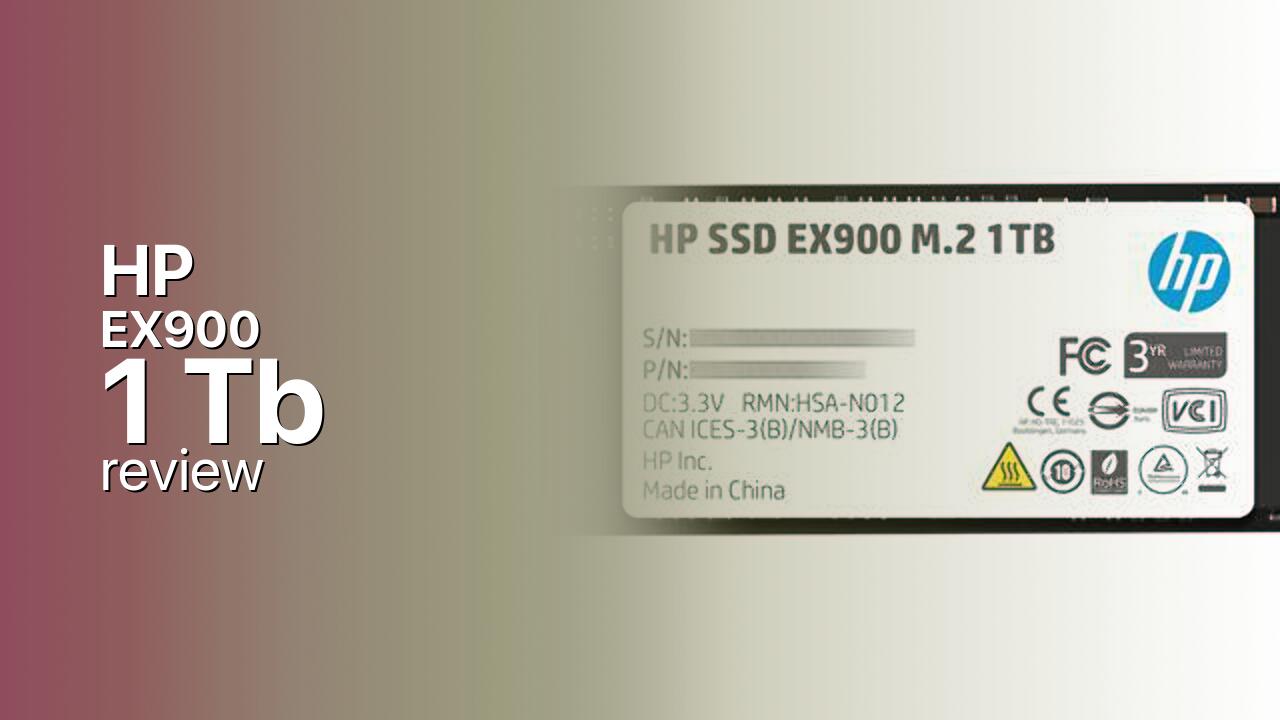
The HP EX900 1 TB is the largest capacity of HP’s mainstream consumer NVMe family, built around the Silicon Motion SM2263XT — a DRAM-less four-channel controller that uses Host Memory Buffer (HMB) to borrow a slice of system RAM for the flash-translation-layer map instead of carrying its own DDR DRAM. NAND is Micron 3D TLC arranged across packages on a single-sided M.2 2280 PCB, which makes the EX900 a clean drop-in for both desktops and thin laptops. The HP brand is licensed; the drive is manufactured and supported by Biwin, which is why it shares a controller lineage with several other budget Biwin NVMe drives sold under other names.
At 1 TB the EX900 finally hits the family’s rated peak — 2,150 MB/s sequential reads, 1,815 MB/s sequential writes, 250,000 IOPS random reads, and 260,000 IOPS random writes. Those random IOPS figures are roughly double what HP rates at 250 GB and 500 GB, because more NAND packages give the SM2263XT more channels to interleave. The 1 TB capacity is also where the SLC write cache stops feeling cramped on continuous transfers. The closest direct rivals at 1 TB are the WD Blue SN570 1 TB (DRAM-less HMB, newer 112-layer TLC, faster sequential), the Crucial P3 1 TB (PCIe 3.0, DRAM-less QLC, lower TBW), and the Kingston NV2 1 TB (DRAM-less HMB, variable controller). The EX900’s case is its long 5-year warranty and a Micron-TLC bill of materials.
The target audience is a budget Windows boot-and-storage drive in a PCIe 3.0 desktop or older laptop, where 1 TB is enough for the OS plus a small active library of games or projects and the value of a dedicated DRAM cache does not justify the price step up. It is not the right pick for a Gen 4 platform where a SN580 1 TB or P3 Plus 1 TB delivers more for the same money, and it is not a PS5 candidate — PCIe 3.0 rules it out regardless of capacity.
Storage Comparisons:
EX900 Performance & Benchmarks
HP rates the EX900 1 TB at up to 2,150 MB/s sequential reads and 1,815 MB/s sequential writes, with random performance of up to 250,000 IOPS read and 260,000 IOPS write. Those numbers put the 1 TB capacity above the 500 GB and 250 GB siblings on every meaningful axis, especially the random IOPS figures — which are roughly double the smaller capacities because the SM2263XT has more NAND channels to schedule across. In real-world testing reviewers consistently measure sequential reads and writes essentially at rated values, with the 4K random scores landing close to the published IOPS rating.
HP EX900 1 TB vs M.2 3.0 x 4 peers
Switch between sequential throughput and random IOPS to see how this drive stacks up against other M.2 3.0 x 4 SSDs in our database. The highlighted bar is the drive on this page — click any other bar to open that drive.
- ADATA SX 8800 Pro 512 GB: 3,500 MB/s read, 2,700 MB/s write
- ADATA SX 8800 Pro 1 TB: 3,500 MB/s read, 2,700 MB/s write
- ADATA XPG Spectrix S40G RGB 256 GB: 3,500 MB/s read, 3,000 MB/s write
- ADATA XPG Spectrix S40G RGB 512 GB: 3,500 MB/s read, 3,000 MB/s write
- HP EX900 1 TB (this drive): 2,150 MB/s read, 1,815 MB/s write
The practical experience is that the EX900 1 TB feels noticeably faster than any SATA SSD and roughly half as fast as a flagship Gen 3 drive like the Samsung 970 EVO Plus 1 TB on heavy mixed workloads. Large game installs that push tens of gigabytes contiguously will exhaust the SLC cache and drop the drive into direct-to-TLC mode at a few hundred MB/s, which is noticeable on multi-AAA installs but rarely painful for normal use. As a one-drive build for a budget desktop — OS, productivity, a couple of active games — the 1 TB EX900 is a comfortable fit; for sustained creator workloads or DirectStorage benchmarks, a current Gen 4 drive at the same price pulls clear.
HP EX900 vs Competitors
See how the EX900 stacks up against other M.2 3.0 x 4 drives in our database:
Compare with rival drives:
Endurance, TBW & Warranty
HP rates the EX900 1 TB at 500 TBW (terabytes written) over a 5-year limited warranty, whichever limit is reached first. That endurance figure is well in line with mainstream TLC NVMe drives at this capacity and corresponds to roughly 274 GB of host writes per day for the full five-year period \xe2\x80\x94 vastly above what a typical desktop boot-and-storage drive generates. At a more realistic 20\xe2\x80\x9330 GB/day workload the rated 500 TBW corresponds to roughly 45 to 68 years of nominal life before the counter is exhausted. HP publishes an MTBF figure of greater than 1 million hours, which is a statistical population metric rather than a guaranteed lifespan for any individual drive. Warranty service is handled via HP / Biwin RMA with proof of purchase. The TBW scales with capacity inside the EX900 family: 70 TBW at 120 GB, 100 TBW at 250 GB, and 200 TBW at 500 GB.
HP EX900 1 TB Specifications
| Category | Value |
|---|---|
| Capacity [?] | 1 TB |
| Interface [?] | M.2 3.0 x 4 |
| Controller [?] | Silicon Motion SM2263XT |
| Memory type [?] | Micron TLC |
| DRAM [?] | HMB |
| Read speed (MB/s) [?] | 2150 |
| Write speed (MB/s) [?] | 1815 |
| Read IOPS [?] | 250000 |
| Write IOPS [?] | 260000 |
| Endurance (TBW) [?] | 500 |
| MTBF (million hours) [?] | 2 |
| Warranty (years) [?] | 5 |
Verdict: Is the EX900 Worth It in 2026?
The HP EX900 1 TB is the right pick if you specifically need a budget 1 TB NVMe boot-and-storage drive on a PCIe 3.0 platform and the price is meaningfully lower than current Gen 4 entry rivals. Skip it if your motherboard or laptop is PCIe 4.0 and a WD Blue SN580 1 TB or Crucial P3 Plus 1 TB is within range \xe2\x80\x94 those drives clear the EX900 on every meaningful benchmark and cost roughly the same per gigabyte. The cleaner alternative on PCIe 3.0 at this capacity is the WD Blue SN570 1 TB, which uses newer 112-layer NAND and has steadier sustained writes; the Samsung 970 EVO Plus 1 TB is the better step-up for users who want a DRAM-backed Gen 3 drive at the same size. Overall the EX900 1 TB is the most balanced capacity in the family and the only one most modern buyers should consider.
+ Pros
- 2,150 MB/s sequential reads on PCIe 3.0
- 500 TBW endurance with 5-year warranty
- 250K random IOPS read at this capacity
- Single-sided M.2 2280 fits any slot
- Cheap entry into 1 TB NVMe storage
- Known Biwin firmware lineage
- Cons
- 1,815 MB/s writes lag flagship Gen 3 drives
- DRAM-less HMB design hurts mixed workloads
- Older Micron TLC versus newer 112-layer rivals
- No PCIe 4.0 upgrade path on this controller
- No PS5 compatibility on PCIe 3.0
Buy this or similar SSD Storage:



Video Review
HP EX920 M.2 NVME in Lian Li PC-011 Dynamic - Install & Review