Team Group Cardea Zero Z340 512GB Review (2026)
Quick answer
The Team Group Cardea Zero Z340 512GB is a strong premium PCIe 3.0 drive that delivers near-maximum Gen3 speeds at a competitive price.
Read: 3400 MB/s Write: 3000 MB/s Endurance: 808 TBW Warranty: 5 years Interface: M.2 3.0 x 4
The Team Group Cardea Zero Z340 512GB brings near-maximum PCIe 3.0 speeds in a compact capacity, using the same Phison E12 platform as the larger 1TB model.
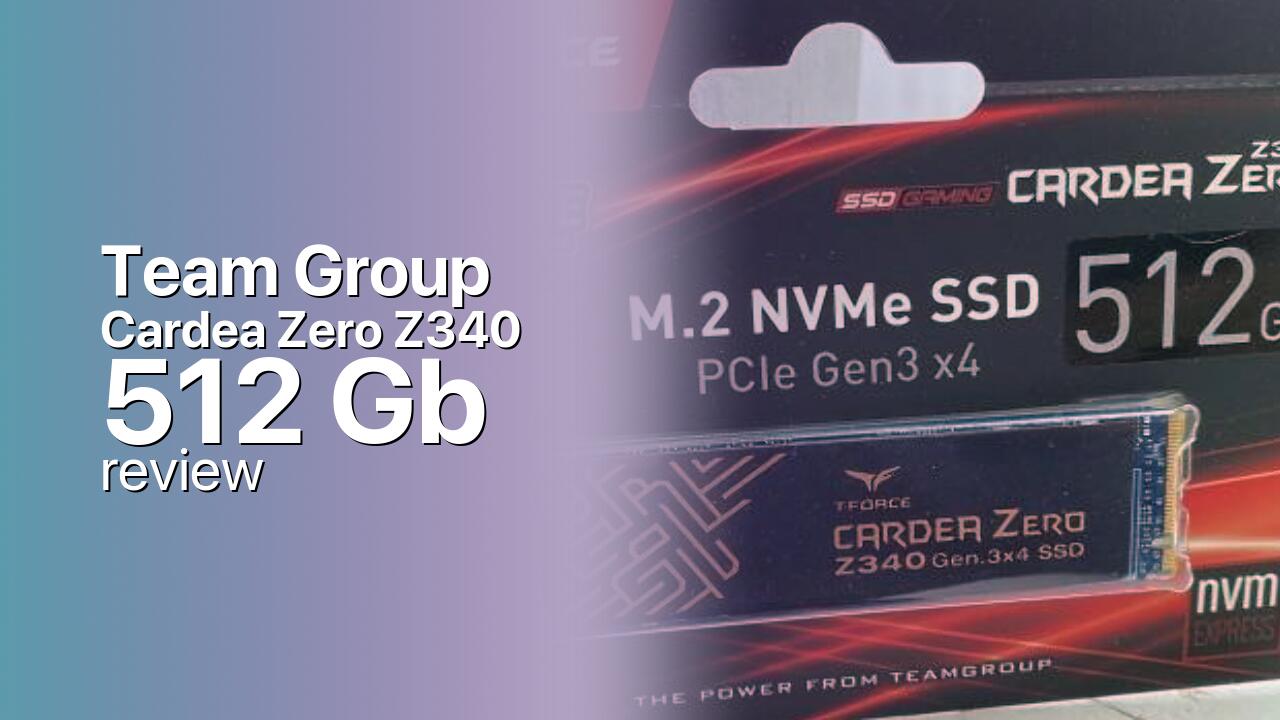
Controller & Memory
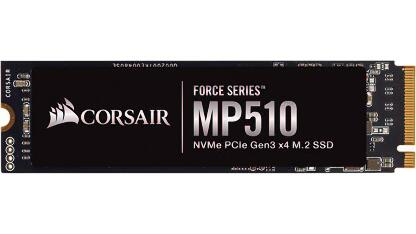
Team Group designed the Cardea Zero Z340 as a performance PCIe 3.0 NVMe drive built on the Phison PS5012-E12 controller. This is the same controller found in the Sabrent Rocket, Corsair Force MP510, and many other well-regarded drives. The 512GB model pairs the E12 with 3D TLC NAND and a DDR4 DRAM cache, delivering 3,400 MB/s sequential reads and 3,000 MB/s writes.
The Z340 variant ships without a factory heatsink, making it thinner for laptop installations and small-form-factor builds. The M.2 2280 single-sided PCB fits any NVMe slot. The 512GB capacity is best viewed as a boot and application drive for users who store games and media on a separate drive.
The drive carries an 808 TBW endurance rating with a 5-year warranty. It competes with the Samsung 970 EVO Plus 512GB, WD Black SN750 500GB, and Kingston KC3000 512GB in the premium PCIe 3.0 segment.
Storage Comparisons:
Cardea Zero Z340 Performance & Benchmarks
The Team Group Cardea Zero Z340 512GB is rated at 3,400 MB/s sequential reads and 3,000 MB/s sequential writes, matching the 1TB model and placing it near the PCIe 3.0 x4 ceiling. These speeds rival the Samsung 970 EVO Plus and WD Black SN750 in the premium Gen3 tier. Random performance is rated at 450,000 IOPS reads and 400,000 IOPS writes, though the 512GB model may see slightly lower real-world random performance than the 1TB due to fewer NAND die for parallelization.
Team Group Cardea Zero Z340 512 GB vs M.2 3.0 x 4 peers
Switch between sequential throughput and random IOPS to see how this drive stacks up against other M.2 3.0 x 4 SSDs in our database. The highlighted bar is the drive on this page — click any other bar to open that drive.
- ADATA SX 8800 Pro 512 GB: 3,500 MB/s read, 2,700 MB/s write
- ADATA SX 8800 Pro 1 TB: 3,500 MB/s read, 2,700 MB/s write
- ADATA XPG Spectrix S40G RGB 256 GB: 3,500 MB/s read, 3,000 MB/s write
- ADATA XPG Spectrix S40G RGB 512 GB: 3,500 MB/s read, 3,000 MB/s write
- Team Group Cardea Zero Z340 512 GB (this drive): 3,400 MB/s read, 3,000 MB/s write
In real-world use, the Z340 512GB delivers fast boot times, application launches, and file transfers. The DDR4 DRAM cache ensures consistent random 4K performance across mixed workloads. The pseudo-SLC cache on the 512GB model is smaller than on the 1TB, typically around 6-10 GB of burst write capacity before transitioning to native TLC speeds around 1,200-1,800 MB/s. For typical desktop and gaming workloads, the SLC cache is adequate.
Versus SATA SSDs, the Z340 512GB offers roughly 6x faster sequential throughput. A 50 GB game installation that takes 10-12 minutes on SATA completes in under 2 minutes on the Z340. For gaming, the difference between this drive and a PCIe 4.0 alternative is negligible in most titles.
Team Group Cardea Zero Z340 vs Competitors
See how the Cardea Zero Z340 stacks up against other M.2 3.0 x 4 drives in our database:
Compare with rival drives:
Endurance, TBW & Warranty
Team Group backs the Cardea Zero Z340 with a 5-year warranty. The 512GB model is rated at 808 TBW endurance, which is competitive for this capacity tier. In practical terms, writing 30 GB per day would take over 73 years to reach 808 TBW. Even power users writing 100 GB daily would need roughly 22 years.
The 5-year warranty is standard for premium consumer NVMe drives. The drive includes S.M.A.R.T. health monitoring and wear-leveling. Given the 512GB capacity, most users will upgrade for space reasons long before endurance becomes a concern. The endurance rating provides confidence that the drive will outlast its useful life in a typical consumer system.
Team Group Cardea Zero Z340 512 GB Specifications
| Category | Value |
|---|---|
| Capacity [?] | 512 GB |
| Interface [?] | M.2 3.0 x 4 |
| Controller [?] | Phison PS5012-E12 |
| Memory type [?] | 3D TLC |
| DRAM [?] | 1GB DDR4 |
| Read speed (MB/s) [?] | 3400 |
| Write speed (MB/s) [?] | 3000 |
| Read IOPS [?] | 450000 |
| Write IOPS [?] | 400000 |
| Endurance (TBW) [?] | 808 |
| MTBF (million hours) [?] | 2 |
| Warranty (years) [?] | 5 |
Verdict: Is the Cardea Zero Z340 Worth It in 2026?
The Team Group Cardea Zero Z340 512GB is a strong premium PCIe 3.0 drive that delivers near-maximum Gen3 speeds at a competitive price. The Phison E12 platform is proven and reliable, the 3,400/3,000 MB/s speeds are at the PCIe 3.0 ceiling, and the DRAM cache ensures consistent performance. Buy it if you want a fast boot drive with top-tier Gen3 performance without paying the Samsung brand premium.
Skip it if you can afford the 1TB model, which offers better price per GB and a larger SLC cache. Also consider PCIe 4.0 drives if your system supports them and you want future-proofing. The Z340 512GB is best suited as a premium OS boot drive paired with bulk storage for games and media.
+ Pros
- 3,400/3,000 MB/s near the PCIe 3.0 ceiling
- Phison E12 — proven, mature controller platform
- DDR4 DRAM cache for consistent random I/O
- 808 TBW endurance competitive for 512GB tier
- 5-year warranty
- Cons
- 512GB capacity is tight for large game libraries
- Smaller SLC cache than the 1TB model
- PCIe 3.0 limited — no Gen4 future-proofing
- No factory heatsink included
- Brand recognition trails Samsung and WD
Buy this or similar SSD Storage:



Video Review
Best Bang for Buck PCIe 3.0 NVMe SSD? ⏩ T-Force Cardea z340 SSD Review