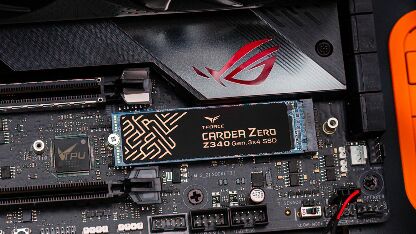
ADATA Swordfish 250GB Review — Entry-Level PCIe 3.0 NVMe (2026)
Quick answer
The ADATA Swordfish 250GB is a budget NVMe SSD for users who want to move off a SATA SSD without spending much.
Read: 1800 MB/s Write: 1200 MB/s Endurance: 120 TBW Warranty: 5 years Interface: M.2 3.0 x 4
The ADATA Swordfish 250GB is a budget PCIe 3.0 NVMe SSD that trades raw speed for affordability, making it a sensible step up from SATA for budget-conscious builders.
Controller & Memory
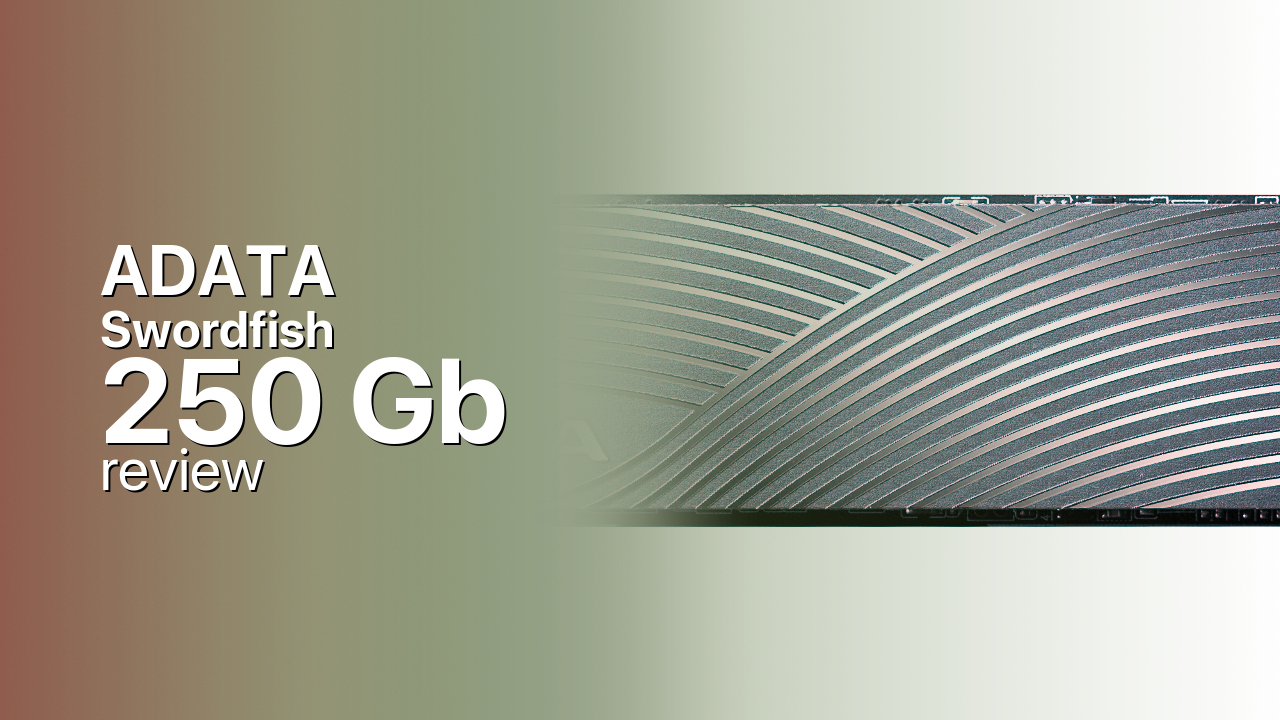
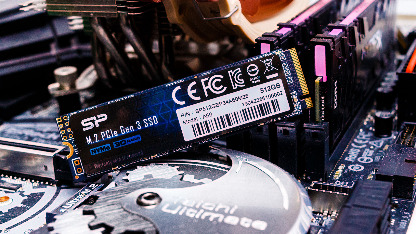
The ADATA Swordfish 250GB uses the Realtek RTS5763DL controller paired with ADATA's own 3D TLC NAND. There is no dedicated DRAM cache — instead, the drive relies on the NVMe Host Memory Buffer protocol, which borrows a small slice of system RAM to manage the flash translation layer. The drive ships in a standard M.2 2280 form factor with a single-sided PCB, making it compatible with virtually any desktop or laptop that accepts an M.2 NVMe drive.
ADATA rates the 250 GB model at 1,800 MB/s sequential reads and 1,200 MB/s sequential writes, with up to 180,000 IOPS for random 4K reads and writes. These figures place the Swordfish firmly at the entry level — it reaches only about half the theoretical bandwidth of a PCIe 3.0 x4 interface. The drive sits at the bottom of ADATA's NVMe lineup, positioned well below the XPG-branded performance drives like the SX6000 Pro and SX8200 Pro. It also ships in 500 GB, 1 TB, and 2 TB capacities, with the larger variants offering proportionally higher write speeds.
The Swordfish's selling point is its price, not its performance. It makes sense as a primary boot drive for budget office systems, as a secondary storage disk for games, or as an upgrade path for anyone still running a 2.5-inch SATA SSD. Direct competitors include the Kingston NV2 and the Team Group GX2, both of which occupy the same entry-level tier with comparable specs.
Under sustained write workloads, the Swordfish shows the limitations of its budget hardware. StorageReview's testing found the drive's 4K random write performance collapsing to roughly 9,710 IOPS under heavy load, with significant latency spikes. The small SLC cache exhausts quickly, and once it does, throughput drops sharply. This won't matter for light desktop use, but it is a meaningful constraint for anyone doing large file transfers or video editing.
Storage Comparisons:
Swordfish Performance & Benchmarks
The ADATA Swordfish 250GB is rated for 1,800 MB/s sequential reads and 1,200 MB/s sequential writes, with up to 180,000 random read and write IOPS. These are manufacturer-rated best-case figures, and real-world performance tells a more nuanced story. For users upgrading from a SATA III SSD capped at roughly 550 MB/s, the Swordfish delivers a roughly threefold improvement in sequential reads — boot times and application launches will feel noticeably snappier.
ADATA Swordfish 250 GB vs M.2 3.0 x 4 peers
Switch between sequential throughput and random IOPS to see how this drive stacks up against other M.2 3.0 x 4 SSDs in our database. The highlighted bar is the drive on this page — click any other bar to open that drive.
- ADATA SX 8800 Pro 512 GB: 3,500 MB/s read, 2,700 MB/s write
- ADATA SX 8800 Pro 1 TB: 3,500 MB/s read, 2,700 MB/s write
- ADATA XPG Spectrix S40G RGB 256 GB: 3,500 MB/s read, 3,000 MB/s write
- ADATA XPG Spectrix S40G RGB 512 GB: 3,500 MB/s read, 3,000 MB/s write
- ADATA Swordfish 250 GB (this drive): 1,800 MB/s read, 1,200 MB/s write
However, the Swordfish falls well short of the PCIe 3.0 x4 ceiling of approximately 3,500 MB/s. Mainstream PCIe 3.0 drives like the WD Blue SN570 and the Samsung 980 push 3,000–3,500 MB/s reads and 2,500–3,000 MB/s writes, making the Swordfish roughly half as fast in sequential workloads. The HMB architecture also introduces a dependency on system-level support — if the host does not properly support HMB, performance degrades further.
Under sustained write loads, the Swordfish's limitations become stark. Independent testing by StorageReview found that the drive's 4K random write performance collapsed to around 9,710 IOPS under heavy workload stress, with extreme latency spikes and near-total throughput stalls. The SLC cache is small by design, and once it exhausts, the underlying TLC NAND cannot sustain high write rates. For everyday tasks like web browsing, office work, and light gaming, this behaviour is invisible. For anyone moving large files — video editors, content creators, or anyone regularly copying tens of gigabytes — the Swordfish will feel sluggish once the cache fills.
ADATA Swordfish vs Competitors
See how the Swordfish stacks up against other M.2 3.0 x 4 drives in our database:
Compare with rival drives:
Endurance, TBW & Warranty
ADATA backs the Swordfish 250GB with a five-year limited warranty, capped at 120 TBW (terabytes written). At a typical consumer write workload of 20 GB per day, 120 TBW translates to roughly 16 years of use — well beyond the warranty period — so most users will never approach this limit. Even at a heavier 50 GB per day, the drive would last approximately six and a half years. The TBW figure is modest for an NVMe drive but reasonable given the entry-level positioning. ADATA provides the SSD Toolbox utility for monitoring drive health, checking remaining endurance, and applying firmware updates. The warranty covers manufacturing defects and does not extend to drives that exceed their TBW rating within the warranty period.
ADATA Swordfish 250 GB Specifications
| Category | Value |
|---|---|
| Capacity [?] | 250 GB |
| Interface [?] | M.2 3.0 x 4 |
| Controller [?] | Realtek RTS5763DL |
| Memory type [?] | ADATA 3D TLC |
| DRAM [?] | Host Memory Buffer |
| Read speed (MB/s) [?] | 1800 |
| Write speed (MB/s) [?] | 1200 |
| Read IOPS [?] | 180000 |
| Write IOPS [?] | 180000 |
| Endurance (TBW) [?] | 120 |
| MTBF (million hours) [?] | 1.8 |
| Warranty (years) [?] | 5 |
Verdict: Is the Swordfish Worth It in 2026?
The ADATA Swordfish 250GB is a budget NVMe SSD for users who want to move off a SATA SSD without spending much. Its 1,800/1,200 MB/s speeds are a solid improvement over SATA, but they lag well behind mainstream PCIe 3.0 alternatives like the Samsung 980 or WD Blue SN570, which cost only marginally more. The drive's sustained write performance collapses under heavy loads, which rules it out for content creation or large-file workflows. Buy it for a budget office PC or as a secondary game drive; skip it if you need consistent performance or plan to use it as your only storage.
+ Pros
- 1,800 MB/s reads, 3x faster than SATA SSDs
- M.2 2280 form factor fits most desktops and laptops
- Five-year warranty from ADATA
- HMB design keeps power draw low for laptops
- 120 TBW endurance sufficient for light daily use
- Cons
- 1,800 MB/s reads well below PCIe 3.0 ceiling
- DRAM-less design with HMB dependency
- Severe write performance collapse under sustained loads
- 120 TBW endurance low for an NVMe drive
- 250 GB capacity limits game installations
Buy this or similar SSD Storage:
Video Review
adata swordfish NvMe 256gb l M.2, 2.0 l Adata ssd 1800 Mb/s speed l Boost Your Haier Laptop Speed