Sabrent Rocket Nano 512 GB — Compact M.2 2242 NVMe SSD (2026)
Quick answer
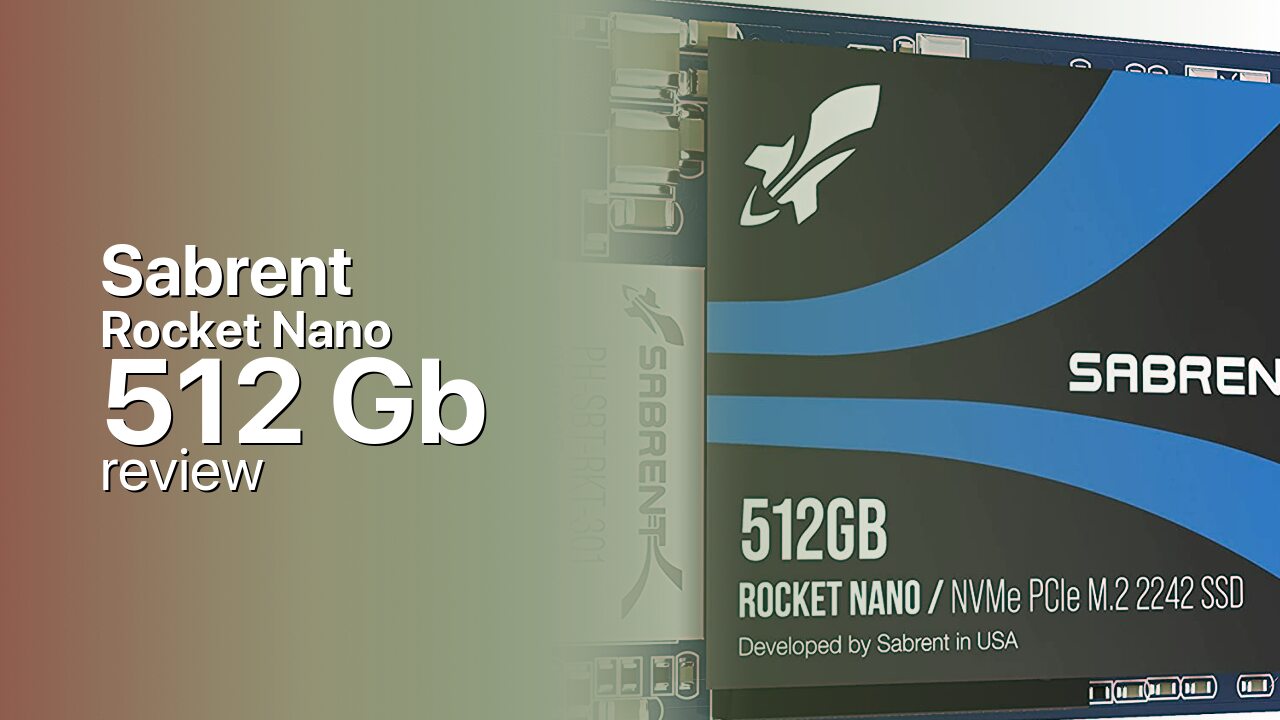
The Sabrent Rocket Nano 512 GB solves a specific problem: finding a competent retail NVMe SSD for systems with M.2 2242 slots.
Read: 2500 MB/s Write: 2100 MB/s Endurance: 360 TBW Warranty: 5 years Interface: M.2 3.0 x 4
Sabrent's Rocket Nano 512 GB packs PCIe 3.0 NVMe speeds into an M.2 2242 form factor — half the length of standard drives — making it a rare retail upgrade for compact laptops and mini PCs with shorter slots.
Controller & Memory
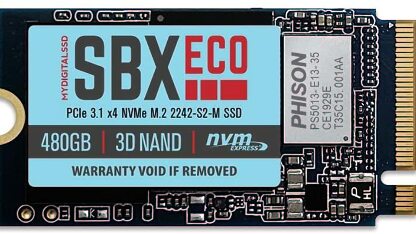
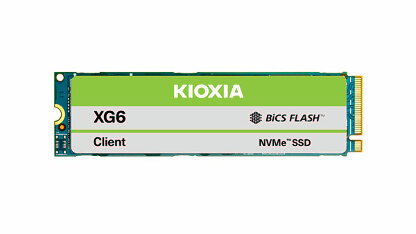
The Sabrent Rocket Nano is built around the Phison E13T, a 4-channel PCIe 3.0 x4 controller designed for compact, DRAM-less SSDs. Instead of a dedicated DRAM chip, the E13T uses host memory buffer (HMB) technology, borrowing a small portion of system RAM for the flash translation layer mapping table. The NAND is Kioxia (formerly Toshiba) 96-layer 3D TLC, a mature and reliable flash generation. The defining characteristic of the Rocket Nano is its form factor: M.2 2242, measuring 22 mm wide by 42 mm long — exactly half the length of the standard M.2 2280 (80 mm) drives that dominate the consumer SSD market.
The 2242 form factor targets a specific, underserved niche. Many compact laptops — particularly Lenovo ThinkPads, some Dell Latitudes, and various mini PCs — use M.2 2242 slots rather than the standard 2280. Handheld gaming PCs like certain GPD and AYA Neo models also use 2242. Historically, the only NVMe drives available in 2242 were low-performance OEM units with limited capacity. The Rocket Nano changed that by offering a retail NVMe drive with competitive PCIe 3.0 speeds in the 2242 form factor. Sabrent offered the Nano in 512 GB, 1 TB, and 2 TB capacities, with the 512 GB variant serving as the entry-level option.
The combination of PCIe 3.0 x4, a DRAM-less E13T controller, and Kioxia TLC puts the Rocket Nano in the mid-range performance tier — faster than SATA and entry-level PCIe 3.0 x2 drives, but not competing with 8-channel DRAM-equipped flagships. The single-sided PCB is essential for the 2242 form factor, as many 2242 slots have tight vertical clearance. Power consumption is modest, making the Nano suitable for battery-powered devices. Sabrent backs the drive with a 5-year warranty after product registration, matching the coverage of their full-sized Rocket drives.
Storage Comparisons:
Rocket Nano Performance & Benchmarks
Sabrent rates the Rocket Nano 512 GB at 2,500 MB/s sequential reads and 2,100 MB/s sequential writes — figures that approach the practical ceiling of the 4-channel Phison E13T controller and PCIe 3.0 x4 interface. These speeds are competitive with standard M.2 2280 mid-range drives from the same era and represent a dramatic upgrade over the OEM 2242 drives typically found in compact systems. Random I/O performance is adequate for everyday desktop use, though the DRAM-less HMB design means random read latency at low queue depths is slightly higher than DRAM-equipped alternatives.
Sabrent Rocket Nano 512 GB vs M.2 3.0 x 4 peers
Switch between sequential throughput and random IOPS to see how this drive stacks up against other M.2 3.0 x 4 SSDs in our database. The highlighted bar is the drive on this page — click any other bar to open that drive.
- ADATA SX 8800 Pro 512 GB: 3,500 MB/s read, 2,700 MB/s write
- ADATA SX 8800 Pro 1 TB: 3,500 MB/s read, 2,700 MB/s write
- ADATA XPG Spectrix S40G RGB 256 GB: 3,500 MB/s read, 3,000 MB/s write
- ADATA XPG Spectrix S40G RGB 512 GB: 3,500 MB/s read, 3,000 MB/s write
- Sabrent Rocket Nano 512 GB (this drive): 2,500 MB/s read, 2,100 MB/s write
In real-world use, the Rocket Nano 512 GB handles OS boot, application launches, and general desktop workloads without drawing attention to its compact form factor. The drive performs like a standard mid-range PCIe 3.0 NVMe SSD — users upgrading from a SATA SSD or a low-end OEM 2242 drive will notice meaningfully faster boot times and application responsiveness. Sustained sequential writes will eventually exhaust the SLC write cache, at which point speeds drop to the native TLC write rate. For an OS and application drive in a compact system, this scenario is uncommon. The single-sided design and modest power draw mean thermals are well-controlled even in the confined spaces typical of 2242 installations.
The key performance consideration is not the drive itself but the system it is installed in. Many 2242 slots in older compact laptops are wired for only PCIe 3.0 x2 rather than x4, halving the available bandwidth. Before purchasing, check your system's M.2 slot specification — if the slot is x2 only, the Rocket Nano's x4 capability will be bottlenecked, and a cheaper x2 drive may offer equivalent real-world performance.
Sabrent Rocket Nano vs Competitors
See how the Rocket Nano stacks up against other M.2 3.0 x 4 drives in our database:
Compare with rival drives:
Endurance, TBW & Warranty
Sabrent provides a 5-year limited warranty on the Rocket Nano after product registration — matching the coverage offered on their full-sized Rocket NVMe drives and exceeding the typical 3-year warranty on many compact SSDs. Sabrent does not publish specific TBW endurance ratings for the Rocket Nano series. As a general guideline, 96-layer Kioxia TLC SSDs in this capacity class typically carry endurance ratings in the 200–300 TBW range, though this is an estimate rather than a manufacturer guarantee. At a typical consumer workload of 20 GB per day, even a conservative 200 TBW rating translates to roughly 27 years of use. The DRAM-less design may result in slightly higher write amplification than DRAM-equipped alternatives under heavy mixed workloads, but for the light-to-moderate desktop use typical of the compact systems these drives serve, endurance is unlikely to be a practical concern.
Sabrent Rocket Nano 512 GB Specifications
| Category | Value |
|---|---|
| Capacity [?] | 512 GB |
| Interface [?] | M.2 3.0 x 4 |
| Controller [?] | Phison PS5013-E13 |
| Memory type [?] | Toshiba TLC |
| DRAM [?] | HMB |
| Read speed (MB/s) [?] | 2500 |
| Write speed (MB/s) [?] | 2100 |
| Read IOPS [?] | 290000 |
| Write IOPS [?] | 430000 |
| Endurance (TBW) [?] | 360 |
| MTBF (million hours) [?] | 1800000 |
| Warranty (years) [?] | 5 |
Verdict: Is the Rocket Nano Worth It in 2026?
The Sabrent Rocket Nano 512 GB solves a specific problem: finding a competent retail NVMe SSD for systems with M.2 2242 slots. If you own a Lenovo ThinkPad, Dell Latitude, mini PC, or handheld gaming device that only accepts 2242 drives, the Rocket Nano is one of very few quality options available at retail. It delivers mid-range PCIe 3.0 NVMe performance — 2,500 MB/s reads, 2,100 MB/s writes — that transforms the responsiveness of these systems compared to the OEM drives they shipped with. The 5-year warranty and Sabrent's established brand presence add peace of mind. Skip it if your system has a standard M.2 2280 slot — you can get more performance and capacity for the same money from a full-sized drive. Skip it also if your 2242 slot is wired for PCIe 3.0 x2 rather than x4 — the Nano's extra bandwidth will go unused, and a cheaper x2 drive will deliver the same real-world speeds. For the right compact system, the Rocket Nano 512 GB is a purpose-built upgrade that does exactly what it promises.
+ Pros
- M.2 2242 form factor — fits compact laptops and mini PCs
- 2,500 MB/s reads — competitive with standard 2280 mid-range drives
- Single-sided PCB compatible with tight 2242 slot clearances
- Kioxia 96-layer 3D TLC — mature and reliable NAND
- 5-year warranty after product registration
- One of few retail NVMe options for 2242-only systems
- Cons
- DRAM-less HMB design limits sustained write performance
- Limited to PCIe 3.0 x4 — not PS5 compatible
- No published TBW endurance rating
- More expensive per gigabyte than equivalent 2280 drives
- Older E13T controller — newer 2242 drives offer PCIe 4.0
Buy this or similar SSD Storage:



Video Review
DON'T BUY THE SABRENT ROCKET NANO! - Watch This First...........