SSD Interface Explained: SATA vs NVMe vs M.2
Posted on
by
Raymond Chen
The SSD interface is the connection standard your drive uses to communicate with the system. It affects compatibility, top speed, and sometimes the physical shape of the drive.
SATA vs NVMe vs M.2
| Term | What it means | Typical consumer performance |
|---|---|---|
| SATA | Older storage interface used by 2.5-inch SSDs and some M.2 drives | Around 500 to 560 MB/s |
| NVMe | Storage protocol designed for flash storage over PCIe | Much faster than SATA |
| PCIe | High-bandwidth connection used by NVMe SSDs | Depends on PCIe generation |
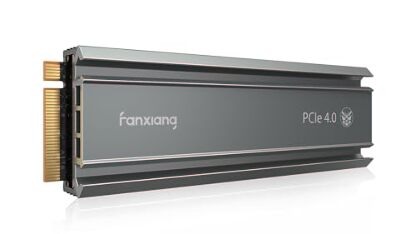
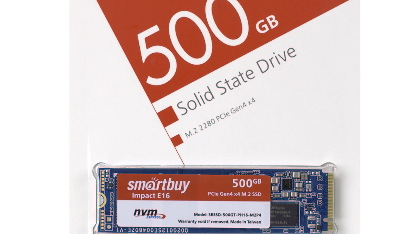
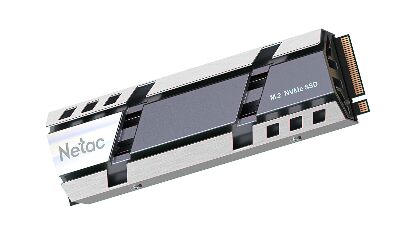
| M.2 | Physical form factor, not a speed standard by itself | Can be SATA or NVMe |
Is NVMe the same as M.2?
No. This is one of the most common SSD questions.
- M.2 describes the shape and connector.
- NVMe describes the protocol and performance path.
An M.2 SSD can be either a slower SATA model or a much faster NVMe model.
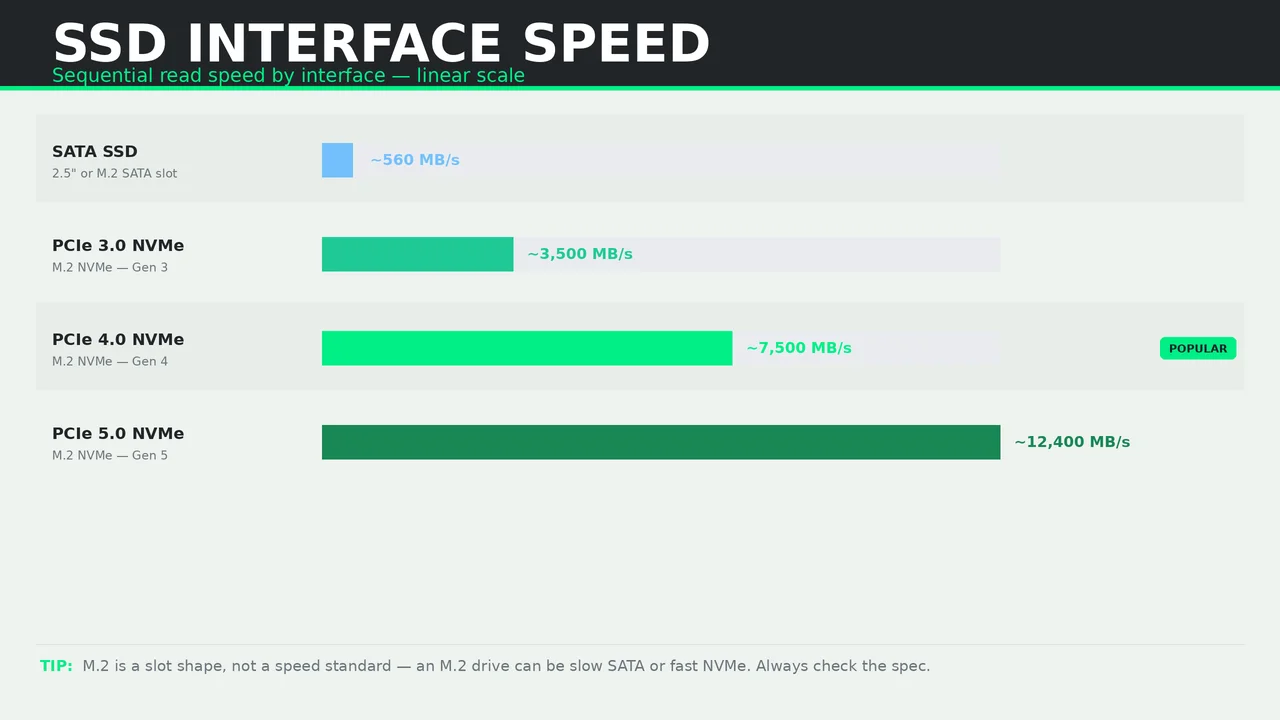
Typical SSD speeds by interface
- SATA SSD — up to about 560 MB/s
- PCIe 3.0 NVMe — around 2,000 to 3,500 MB/s
- PCIe 4.0 NVMe — around 5,000 to 7,500 MB/s
- PCIe 5.0 NVMe — can exceed 10,000 MB/s on top-end drives
Which SSD interface should you buy?
Buy SATA if:
- your laptop or desktop does not support NVMe,
- you want a low-cost storage upgrade,
- or you are replacing a hard drive in an older system.
Buy NVMe if:
- your motherboard or laptop supports it,
- you want faster file transfers and game installs,
- or you work with heavy creative or development workloads.
Interface compatibility: what to verify before buying
Always check:
- your motherboard or laptop slot type,
- the supported PCIe generation,
- the physical slot length such as M.2 2280,
- and whether the slot shares bandwidth with other devices.