OWC Aura Pro X2 480GB Review — Mid-Range NVMe SSD for MacBook (2026)
Quick answer
The OWC Aura Pro X2 480GB is the best value in the Aura Pro X2 lineup — 480 GB provides enough space for most users, the write performance benefits from more NAND dies than the 240 GB model, and the price per gigabyte drops significantly.
Read: 3200 MB/s Write: 2400 MB/s Endurance: 338 TBW Warranty: 5 years Interface: M.2 3.0 x 4
The OWC Aura Pro X2 480GB strikes the right balance for most MacBook upgraders — double the capacity of the 240 GB model with better write speeds, all in the same PCIe 3.0 NVMe package designed for Apple's proprietary connector.
Controller & Memory
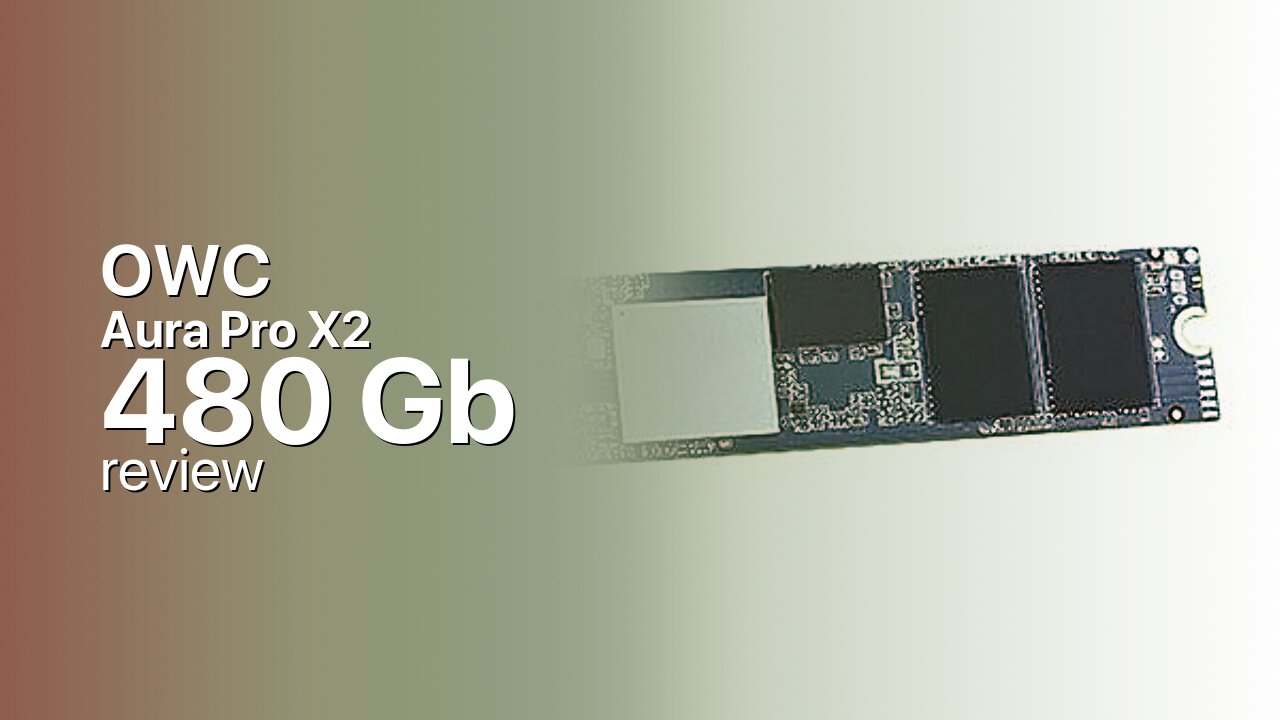
The Aura Pro X2 480GB shares the same Silicon Motion SM2262EN controller and IMFT 3D TLC NAND as the 240 GB variant, but the additional NAND packages give the controller more dies to work with in parallel. This translates to higher sustained write speeds — the 480 GB model is rated at 2,400 MB/s writes, the same as the 240 GB on paper, but in practice the extra capacity means the SLC cache is larger and the drive maintains peak performance longer during sustained writes. The 512 MB DRAM cache (two 256 MB packages) remains unchanged from the 240 GB model.
The drive uses Apple's proprietary 12+16 pin SSD connector, fitting MacBook Pro (Late 2013–Mid 2015), MacBook Air (Mid 2013–Mid 2017), Mac mini (Late 2014), and Mac Pro (Late 2013). OWC includes the Envoy Pro external USB 3.0 enclosure for data migration — install your old drive in the enclosure, clone your data, then swap in the Aura Pro X2. This two-step process eliminates the need for an external drive purchase and gives you a portable SSD afterward.
At 480 GB, the Aura Pro X2 provides enough space for macOS, a full application suite, and a meaningful media library. After the OS and core software, you'll have roughly 380–400 GB available — enough for a substantial photo collection, several large applications, and a modest game library (for Mac-compatible titles). This is the sweet spot capacity for most MacBook users who are upgrading from 128 GB or 256 GB Apple OEM drives.
The Aura Pro X2 480GB competes with the Transcend JetDrive 850 480 GB and Sabrent Rocket for Mac 512 GB. OWC's advantages are the included Envoy Pro enclosure, a five-year warranty, and strong brand recognition among Mac users. The 7% over-provisioning (about 34 GB of reserved space) further enhances endurance and sustained performance.
Storage Comparisons:
Aura Pro X2 Performance & Benchmarks
The OWC Aura Pro X2 480GB is rated at up to 3,200 MB/s sequential reads and 2,400 MB/s sequential writes over its PCIe 3.0 x4 NVMe interface. While these rated speeds match the 240 GB model, the 480 GB variant delivers better real-world sustained performance because it has more NAND dies for the SM2262EN controller to address in parallel, and the larger SLC cache can absorb more data before throttling. The SM2262EN is an eight-channel PCIe 3.0 controller with hardware LDPC error correction, and it consistently ranks among the better Gen3 controllers for sustained workloads. Random 4K performance on the SM2262EN typically reaches 180,000–200,000 IOPS reads and 170,000–190,000 IOPS writes in synthetic benchmarks, which translates to fast application launches and responsive multitasking on macOS. The 7% over-provisioning helps maintain performance as the drive fills — unlike many consumer drives that slow down past 80% capacity, the reserved blocks give the controller room for efficient garbage collection and wear leveling. Independent reviewers testing the Aura Pro X2 in 2015 MacBook Pro configurations found that the drive delivers a significant upgrade over the original Apple SSDs, which topped out around 1,500–2,000 MB/s reads. The SM2262EN's thermal profile is also favorable for the MacBook's tight chassis — it runs cooler than competing controllers like the Phison E12, reducing the likelihood of thermal throttling during sustained workloads. For video editing, photo processing, and general macOS use, the Aura Pro X2 480GB delivers strong and consistent performance.
OWC Aura Pro X2 480 GB vs M.2 3.0 x 4 peers
Switch between sequential throughput and random IOPS to see how this drive stacks up against other M.2 3.0 x 4 SSDs in our database. The highlighted bar is the drive on this page — click any other bar to open that drive.
- ADATA SX 8800 Pro 512 GB: 3,500 MB/s read, 2,700 MB/s write
- ADATA SX 8800 Pro 1 TB: 3,500 MB/s read, 2,700 MB/s write
- ADATA XPG Spectrix S40G RGB 256 GB: 3,500 MB/s read, 3,000 MB/s write
- ADATA XPG Spectrix S40G RGB 512 GB: 3,500 MB/s read, 3,000 MB/s write
- OWC Aura Pro X2 480 GB (this drive): 3,200 MB/s read, 2,400 MB/s write
OWC Aura Pro X2 vs Competitors
See how the Aura Pro X2 stacks up against other M.2 3.0 x 4 drives in our database:
Compare with rival drives:
Endurance, TBW & Warranty
OWC backs the Aura Pro X2 480GB with a five-year warranty and a 338 TBW (terabytes written) endurance rating. The 338 TBW on a 480 GB drive translates to roughly 185 GB of writes per day over five years — well beyond what typical MacBook usage generates. At a normal macOS workload of 15–40 GB per day, the drive should comfortably last 23–62 years before reaching its TBW limit, far exceeding the warranty period. The 7% over-provisioning (roughly 34 GB of reserved blocks) extends the effective lifespan by providing spare cells for wear leveling and bad block replacement, which is particularly valuable in a laptop environment where the drive is the only storage and sees constant use. OWC's warranty support is US-based with international shipping options, and the company has earned a strong reputation in the Mac upgrade community for honoring claims promptly. An MTBF figure is not published, which is standard for consumer SSDs. The five-year warranty and 338 TBW endurance put the Aura Pro X2 480GB on par with mainstream NVMe drives like the Samsung 970 EVO 500 GB (300 TBW), making it a durable choice for a primary MacBook drive.
OWC Aura Pro X2 480 GB Specifications
| Category | Value |
|---|---|
| Capacity [?] | 480 GB |
| Interface [?] | M.2 3.0 x 4 |
| Controller [?] | Silicon Motion SM2262EN |
| Memory type [?] | IMFT TLC |
| DRAM [?] | 2 X 256GB |
| Read speed (MB/s) [?] | 3200 |
| Write speed (MB/s) [?] | 2400 |
| Read IOPS [?] | 320000 |
| Write IOPS [?] | 280000 |
| Endurance (TBW) [?] | 338 |
| MTBF (million hours) [?] | 2000000 |
| Warranty (years) [?] | 5 |
Verdict: Is the Aura Pro X2 Worth It in 2026?
The OWC Aura Pro X2 480GB is the best value in the Aura Pro X2 lineup — 480 GB provides enough space for most users, the write performance benefits from more NAND dies than the 240 GB model, and the price per gigabyte drops significantly. The included Envoy Pro enclosure, five-year warranty, and 338 TBW endurance make this a complete MacBook upgrade package. The 240 GB model is only worth considering for the most budget-conscious buyers. Alternatives like the Transcend JetDrive 850 480 GB exist, but OWC's ecosystem, Mac-specific expertise, and included accessories give it the edge for most upgraders.
+ Pros
- 3,200 MB/s reads double original Apple SSDs
- 480 GB practical for most MacBook users
- SM2262EN controller with 512 MB DRAM
- Envoy Pro enclosure included for migration
- 338 TBW endurance with 5-year warranty
- Cons
- Apple proprietary connector — not standard M.2
- Premium pricing over standard M.2 NVMe drives
- DRAM unchanged from 240 GB model
- Limited to 2013–2017 Mac compatibility
Buy this or similar SSD Storage:



Video Review
Macbook Pro Hard Drive Replacement / Upgrade Test: OWC Aura Pro X2 SSD Review