Transcend PCIe SSD 110S 128GB Review (2026)
Quick answer
The Transcend PCIe SSD 110S 128GB is a niche product best suited for ultra-budget builds, lightweight computing, or as a secondary cache drive.
Read: 1700 MB/s Write: 1500 MB/s Endurance: 800 TBW Warranty: 5 years Interface: PCIe 3.0 x 4
The Transcend PCIe SSD 110S 128GB is the smallest capacity in the lineup, offering NVMe speeds at the lowest possible price for basic computing needs.
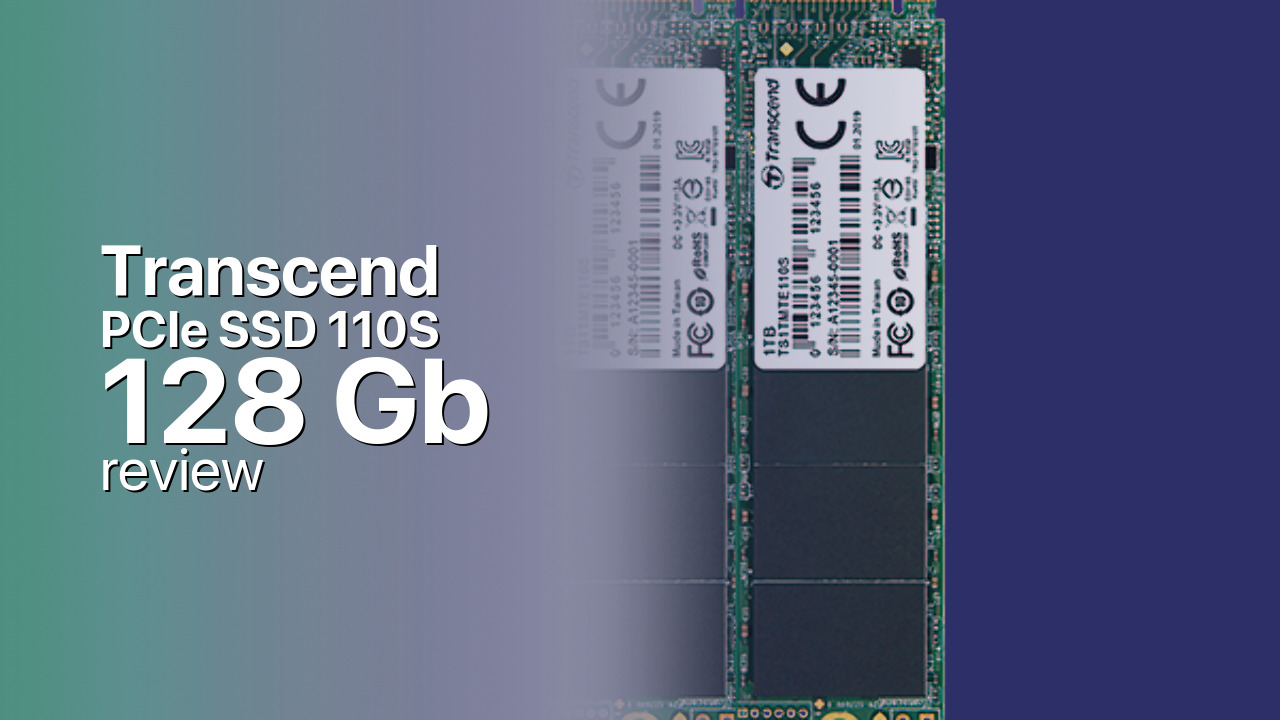
Controller & Memory
Transcend positions the PCIe SSD 110S (also marketed as MTE110S) as an entry-level NVMe drive. The 128GB capacity is the smallest in the lineup, which also includes 256GB and 512GB variants. Despite the small capacity, all three models share the same 1,700 MB/s read and 1,500 MB/s write speed ratings.
The 110S uses a DRAM-less controller architecture with Host Memory Buffer (HMB) support, keeping the bill of materials low. The drive uses 3D NAND in the M.2 2280 form factor, single-sided for maximum compatibility with thin laptops and compact desktops.
The 128GB capacity severely limits practical use. Windows 11 consumes 80-100 GB with updates, hibernation, and page files, leaving only 20-40 GB for applications. This effectively restricts the drive to lightweight computing scenarios or use as a cache/swap drive. The endurance is rated at 800 TBW with a 5-year warranty, though the capacity constraint makes this rating largely academic.
Storage Comparisons:
PCIe SSD 110S Performance & Benchmarks
The Transcend PCIe SSD 110S 128GB is rated at 1,700 MB/s sequential reads and 1,500 MB/s sequential writes. These speeds are consistent across all capacities in the 110S lineup, which is unusual for 128GB drives that typically have reduced write speeds due to fewer NAND die for parallelization. The 1,700 MB/s read speed is roughly 3x faster than SATA SSDs.
Transcend PCIe SSD 110S 128 GB vs PCIe 3.0 x 4 peers
Switch between sequential throughput and random IOPS to see how this drive stacks up against other PCIe 3.0 x 4 SSDs in our database. The highlighted bar is the drive on this page — click any other bar to open that drive.
- Asura Genesis Xtreme 256 GB: 3,400 MB/s read, 3,000 MB/s write
- Asura Genesis Xtreme 512 GB: 3,400 MB/s read, 3,000 MB/s write
- Asura Genesis Xtreme 1 TB: 3,400 MB/s read, 3,000 MB/s write
- Asura Genesis Xtreme 2 TB: 3,400 MB/s read, 3,000 MB/s write
- Transcend PCIe SSD 110S 128 GB (this drive): 1,700 MB/s read, 1,500 MB/s write
As a DRAM-less drive, the 110S relies on the NVMe Host Memory Buffer for flash translation layer management. Random 4K performance is the most affected by the DRAM-less design, though for basic computing tasks like web browsing and document editing, the impact is minimal. The 128GB capacity has the smallest SLC cache of the lineup, meaning sustained write performance will drop to native NAND speeds more quickly than on larger models.
In practical terms, the 128GB capacity limits the types of workloads you can run. Large file transfers are constrained by available space rather than drive speed. The performance advantage over SATA SSDs is real but difficult to leverage fully when the drive is nearly full after a Windows installation.
Transcend PCIe SSD 110S vs Competitors
See how the PCIe SSD 110S stacks up against other PCIe 3.0 x 4 drives in our database:
Compare with rival drives:
Endurance, TBW & Warranty
Transcend backs the PCIe SSD 110S series with a 5-year limited warranty. The 128GB model carries the same 800 TBW endurance rating as larger capacities. Given that a nearly full 128GB drive has very little free space for write amplification, the endurance rating is more than adequate. Most users will replace this drive for capacity reasons long before endurance becomes relevant.
Transcend handles warranty claims through its regional support network. The drive includes S.M.A.R.T. monitoring for health tracking and built-in wear-leveling to maximize NAND lifespan.
Transcend PCIe SSD 110S 128 GB Specifications
| Category | Value |
|---|---|
| Capacity [?] | 128 GB |
| Interface [?] | PCIe 3.0 x 4 |
| Controller [?] | Silicon Motion SM2263XT |
| Memory type [?] | MLC |
| DRAM [?] | HMB |
| Read speed (MB/s) [?] | 1700 |
| Write speed (MB/s) [?] | 1500 |
| Read IOPS [?] | 90000 |
| Write IOPS [?] | 250000 |
| Endurance (TBW) [?] | 800 |
| MTBF (million hours) [?] | 2000000 |
| Warranty (years) [?] | 5 |
Verdict: Is the PCIe SSD 110S Worth It in 2026?
The Transcend PCIe SSD 110S 128GB is a niche product best suited for ultra-budget builds, lightweight computing, or as a secondary cache drive. The 1,700/1,500 MB/s speeds are technically faster than SATA, but the 128GB capacity severely constrains real-world usefulness after Windows installation. Buy it only if the budget is absolute rock-bottom and you have no other storage options.
Skip it for nearly any other use case. The 256GB model costs only slightly more and provides enough space for a comfortable Windows installation plus applications. Even the cheapest SATA SSD with 256GB or more would be more practical for most users. The 128GB 110S is essentially a disposable boot drive for kiosk systems, thin clients, or emergency replacements.
+ Pros
- 1,700 MB/s reads, 1,500 MB/s writes — faster than SATA
- Same speed ratings as larger capacities
- Ultra-low price point for NVMe
- M.2 2280 single-sided fits any NVMe slot
- 5-year warranty with 800 TBW endurance
- Cons
- 128GB is impractically small for most users in 2026
- Only 20-40 GB free after Windows 11 installation
- DRAM-less design limits random I/O performance
- Better value at 256GB for minimal extra cost
- SLC cache very small at this capacity
Buy this or similar SSD Storage:



Video Review
Best Budget NVMe SSD? - Transcend MTE220S Review