MSI Spatium M470 2TB Review — Phison E16 PCIe 4.0 NVMe SSD (2026)
Quick answer
Buy the MSI Spatium M470 2 TB if you want a proven PCIe 4.0 drive with full DRAM cache and strong endurance at a reasonable price.
Read: 5000 MB/s Write: 4400 MB/s Endurance: 3300 TBW Warranty: 5 years Interface: M.2 4.0 x 4
The MSI Spatium M470 2 TB is a first-generation PCIe 4.0 NVMe that trades bleeding-edge speeds for proven reliability, built around Phison's flagship E16 controller.
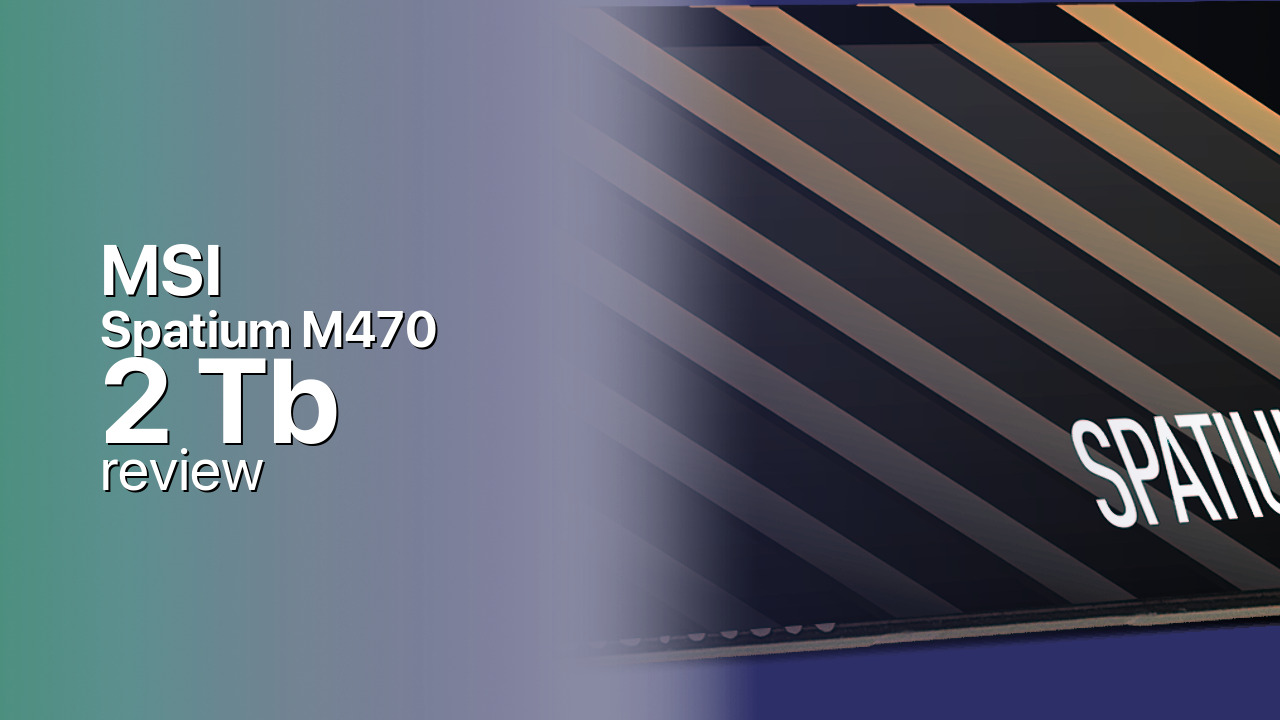
Controller & Memory
Inside the Spatium M470 sits the Phison PS5016-E16, the first consumer PCIe 4.0 controller to hit the market and still one of the most stable options available. MSI pairs it with Kioxia BiCS 3D TLC NAND and a DRAM cache buffer to keep the drive responsive under heavy workloads. The drive uses a standard M.2 2280 form factor with a double-sided PCB layout, meaning it fits in most desktops and thick laptops but may not work in ultra-thin machines with single-sided slots. The Phison E16 was a breakthrough when it launched, bringing Gen4 speeds to market before anyone else, and it has aged reasonably well despite running hotter and drawing more power than newer controllers.
The Spatium M470 series was available in 1 TB and 2 TB capacities, with the 2 TB model here offering the full-rated sequential speeds and higher endurance. Unlike many budget PCIe 4.0 drives that strip out DRAM to cut costs or rely on Host Memory Buffer, MSI includes a proper DRAM buffer here. This is crucial for maintaining consistent performance over time, reducing CPU overhead, and making the drive more suitable for OS boot duty or database workloads. The drive does not ship with a heatsink, so for sustained workloads or PS5 use, you will want to add a motherboard M.2 shield or aftermarket cooler. The E16 controller is known to run warm, so thermal management is not optional if you are pushing the drive hard.
For competitors, the MSI Spatium M470 2 TB faces the Corsair MP600, Sabrent Rocket NVMe 4.0, and Gigabyte Aorus. All of these use the same Phison E16 platform with the same 5,000 MB/s read ceiling, so real-world performance is largely identical across the brands. Your choice comes down to price, warranty support, and whether a heatsink is included in the box. Newer PCIe 4.0 drives like the WD Black SN850X or Samsung 990 Pro have moved to updated controllers that hit 7,000+ MB/s and run more efficiently, but they also cost more. For users upgrading from SATA SSDs or PCIe 3.0 NVMe, the jump to 5,000 MB/s is already a massive generational improvement — the diminishing returns beyond that point are real for most consumer workloads.
Storage Comparisons:
Spatium M470 Performance & Benchmarks
The MSI Spatium M470 2 TB is rated for up to 5,000 MB/s sequential reads and 4,400 MB/s sequential writes, with random performance hitting up to 600,000 IOPS for both reads and writes. These numbers place it firmly in the first-wave PCIe 4.0 tier, noticeably faster than any PCIe 3.0 drive for large file transfers, but well below the 7,000+ MB/s ceiling of newer PCIe 4.0 drives with updated controllers. The Phison E16 controller was a breakthrough when it launched, and while newer silicon has since surpassed it, 5,000 MB/s remains more than sufficient for almost all consumer workloads.
MSI Spatium M470 2 TB vs M.2 4.0 x 4 peers
Switch between sequential throughput and random IOPS to see how this drive stacks up against other M.2 4.0 x 4 SSDs in our database. The highlighted bar is the drive on this page — click any other bar to open that drive.
- Patriot Viper PV593 1 TB: 14,500 MB/s read, 14,000 MB/s write
- Patriot Viper PV593 2 TB: 14,500 MB/s read, 14,000 MB/s write
- Patriot Viper PV593 4 TB: 14,500 MB/s read, 14,000 MB/s write
- Patriot Viper PV573 2 TB: 14,000 MB/s read, 12,000 MB/s write
- MSI Spatium M470 2 TB (this drive): 5,000 MB/s read, 4,400 MB/s write
In real-world use, the drive shines at sequential workloads like copying game libraries or video files, where the PCIe 4.0 bandwidth provides a tangible boost over SATA and PCIe 3.0 NVMe drives. Gaming load times see diminishing returns beyond this speed tier. You will shave a few seconds off load screens compared to older NVMe drives, but the difference becomes less noticeable in actual gameplay. Independent reviewers consistently find that Phison E16-based drives run warm under sustained writes, so thermal throttling can be a concern without adequate cooling. The SLC cache helps with burst write performance, accelerating shorter writes significantly, but once exhausted, sustained writes settle into a lower steady state. For typical desktop use this is rarely an issue, but users moving hundreds of gigabytes at a time may notice the speed drop after the first 100-200 GB.
MSI Spatium M470 vs Competitors
See how the Spatium M470 stacks up against other M.2 4.0 x 4 drives in our database:
Compare with rival drives:
Endurance, TBW & Warranty
The MSI Spatium M470 2 TB is backed by a 5-year manufacturer warranty, matching the standard for flagship PCIe 4.0 drives from this era. This coverage period has become the industry baseline for enthusiast NVMe drives, with premium models pushing to 5 years or beyond. Endurance is rated at 3,300 TBW, which translates to roughly 180 years of use at a typical 50 GB per day write workload — far beyond what most consumers will ever need in the drive practical lifespan. Even at a heavy 200 GB per day workload, roughly equivalent to a professional video editor daily throughput, the drive would still last over 45 years before exhausting its TBW rating.
Like most SSD warranties, coverage is limited by whichever comes first: the five-year term or exhausting the TBW rating. In practice, this means the warranty effectively covers the drive against early failure, while the TBW rating is more of a longevity indicator than a practical limit. The lack of a specified MTBF rating in the official specifications is common for consumer drives and does not indicate a reliability concern. Manufacturers have moved away from publishing MTBF figures in consumer marketing, though enterprise drives still carry those specifications. RMA support goes through MSI, with warranty claims processed through the retailer in some regions depending on local consumer protection laws. Keep your original receipt, as you will need proof of purchase for any warranty claim. MSI support generally handles RMA requests promptly, but turnaround times vary by region.
MSI Spatium M470 2 TB Specifications
| Category | Value |
|---|---|
| Capacity [?] | 2 TB |
| Interface [?] | M.2 4.0 x 4 |
| Controller [?] | Phison PS5016-E16 |
| Memory type [?] | Kioxia 3D TLC |
| DRAM [?] | DRAM SLC |
| Read speed (MB/s) [?] | 5000 |
| Write speed (MB/s) [?] | 4400 |
| Read IOPS [?] | 600000 |
| Write IOPS [?] | 600000 |
| Endurance (TBW) [?] | 3300 |
| MTBF (million hours) [?] | 2000000 |
| Warranty (years) [?] | 5 |
Verdict: Is the Spatium M470 Worth It in 2026?
Buy the MSI Spatium M470 2 TB if you want a proven PCIe 4.0 drive with full DRAM cache and strong endurance at a reasonable price. This drive hits the sweet spot for gamers and general users upgrading from SATA or PCIe 3.0 storage — the performance jump is real and noticeable, even if newer drives have moved the goalposts further. The Phison E16 platform has years of field history behind it, which matters more to some buyers than having the absolute latest controller. Skip the M470 if you need the absolute fastest sequential speeds or care about power efficiency. Newer PCIe 4.0 drives with updated controllers hit 7,000+ MB/s and run significantly cooler, often at similar or only slightly higher prices. Content creators working with massive files daily might also want to look at those faster options.
For most users, however, the Corsair MP600 or Sabrent Rocket NVMe 4.0 are the main alternatives to consider. Since all of these drives use the same Phison E16 platform, real-world performance will be nearly identical across brands. Your decision should come down to which one offers the best price on the day you buy and whether a heatsink is included. The MSI Spatium M470 2 TB remains a solid, if not cutting-edge, choice in the PCIe 4.0 market.
+ Pros
- 5,000 MB/s sequential reads
- DRAM cache buffer for consistent performance
- 3,300 TBW endurance rating
- 5-year warranty coverage
- Proven Phison E16 controller
- PCIe 4.0 backward compatible with PCIe 3.0 slots
- Cons
- Slower than newer PCIe 4.0 drives at 7,000+ MB/s
- No included heatsink
- Can run warm under sustained writes
- Double-sided PCB may not fit some thin laptops
Buy this or similar SSD Storage:



Video Review
PS5 Storage Upgrade #1: MSI Spatium m470 & m480