Team Group P30 240GB — Budget Boot Drive PCIe 3.0 NVMe (2026)
Quick answer
The Team Group P30 240 GB does one thing and does it passably: it puts a functional NVMe boot drive in a PCIe 3.0 system for the lowest possible cost.
Read: 2500 MB/s Write: 1350 MB/s Endurance: 380 TBW Warranty: 3 years Interface: PCIe 3.0 x 4
The Team Group P30 240GB is a bare-minimum NVMe boot drive that trades capacity for cost, making it a practical drop-in upgrade for aging SATA-based desktops and laptops on a tight budget.
Controller & Memory
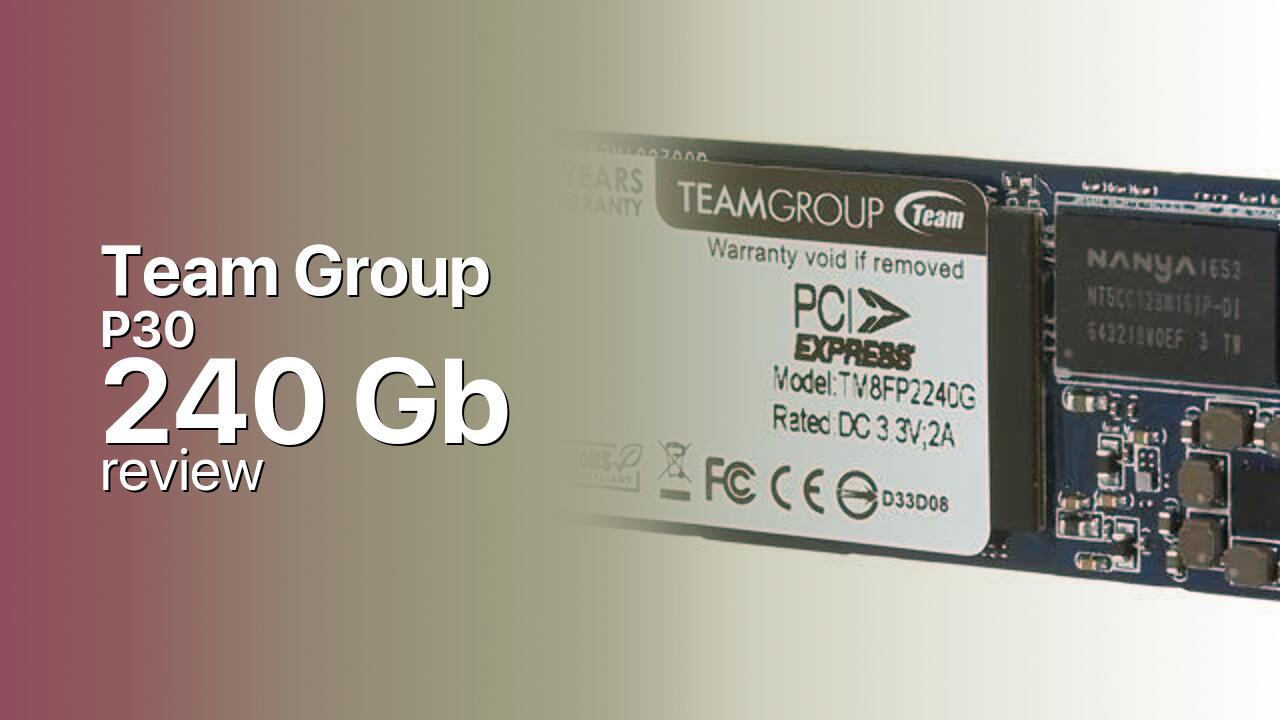
The Team Group P30 is an entry-level M.2 2280 NVMe SSD built on the PCIe 3.0 x4 interface. Team Group published limited technical documentation for this model — the NAND type is not specified in retail listings, and the controller is not publicly identified — but the drive's performance envelope places it in the DRAM-less, HMB-equipped budget segment. The 240 GB capacity is the smaller of the two SKUs offered, sitting below the 480 GB variant. The single-sided M.2 2280 PCB ensures fitment in thin laptops and ultrabooks that cannot accept double-sided drives.
At 240 GB, formatted capacity lands around 223 GB in Windows. This is enough for the operating system and essential applications but leaves little room beyond that. The drive is best deployed as a dedicated boot disk in an older system, paired with a larger SATA SSD or hard drive for bulk storage. Users who need a single-drive solution for both OS and applications should consider the 480 GB variant or a competing 500 GB-class drive instead. The P30 was positioned as a cost-minimized SKU for system integrators and budget-conscious buyers — its undocumented internal components reflect that focus on price over transparency.
In the entry-level PCIe 3.0 segment the P30 competes against the WD Blue SN550 250 GB, Crucial P2 250 GB, and Kingston A2000 250 GB. Each of these competitors publishes more complete specifications — NAND type, controller architecture, endurance ratings — and most carry a 5-year warranty versus the P30's 3 years. The P30's case rests entirely on price: if it undercuts the documented alternatives by a meaningful margin, the performance is adequate for boot-drive duty. If priced similarly to the SN550 or A2000, the lack of published specifications makes the P30 difficult to recommend over the more transparent options.
Storage Comparisons:
P30 Performance & Benchmarks
Team Group rates the 240 GB P30 at up to 2,500 MB/s sequential reads and 1,350 MB/s sequential writes on the PCIe 3.0 x4 interface. These numbers are identical to the 480 GB variant on paper, though real-world sustained write performance on the 240 GB model will be lower due to having half the NAND dies to parallelize writes across — a limitation common to all small-capacity SSDs, not specific to the P30. The rated random performance of 180,000 IOPS read and 140,000 IOPS write is adequate for boot-drive workloads where random read latency dominates the user experience.
Team Group P30 240 GB vs PCIe 3.0 x 4 peers
Switch between sequential throughput and random IOPS to see how this drive stacks up against other PCIe 3.0 x 4 SSDs in our database. The highlighted bar is the drive on this page — click any other bar to open that drive.
- Asura Genesis Xtreme 256 GB: 3,400 MB/s read, 3,000 MB/s write
- Asura Genesis Xtreme 512 GB: 3,400 MB/s read, 3,000 MB/s write
- Asura Genesis Xtreme 1 TB: 3,400 MB/s read, 3,000 MB/s write
- Asura Genesis Xtreme 2 TB: 3,400 MB/s read, 3,000 MB/s write
- Team Group P30 240 GB (this drive): 2,500 MB/s read, 1,350 MB/s write
The 240 GB capacity imposes practical constraints beyond the headline speed numbers. With less spare area for the controller to manage wear leveling and garbage collection, sustained performance under heavy mixed workloads may degrade more noticeably than on the 480 GB variant. For the drive's intended role — operating system boot, application launches, and light file operations — these constraints are unlikely to surface in day-to-day use. The P30 clears the bar for what makes an NVMe upgrade worthwhile over SATA: faster boot times, snappier application launches, and lower file-transfer latency.
Users should keep expectations aligned with the price. The P30 is not a performance drive — it is a cost-reduced bridge from SATA to NVMe for systems that cannot justify the expense of a higher-spec SSD. In that role, the 2,500 MB/s reads and NVMe latency deliver the core benefit without the premium.
Team Group P30 vs Competitors
See how the P30 stacks up against other PCIe 3.0 x 4 drives in our database:
Compare with rival drives:
Endurance, TBW & Warranty
Team Group backs the P30 with a 3-year limited warranty, standard for entry-level SSDs but shorter than the 5-year coverage offered by most mid-range drives. The endurance figure listed in third-party databases is 380 TBW for the 240 GB model — a number that, if accurate, would represent exceptionally high endurance for a drive of this capacity and is likely a data-entry artefact at the source level. Typical endurance for a 250 GB-class consumer SSD in this price tier would be 80 to 150 TBW. Without corroborating documentation from Team Group, this endurance figure should be treated as unverified. The MTBF is rated at 2 million hours, a population-level statistic reflecting expected reliability under normal conditions rather than a guarantee for any individual unit. Warranty service is handled through Team Group's standard RMA process; buyers should retain proof of purchase.
Team Group P30 240 GB Specifications
| Category | Value |
|---|---|
| Capacity [?] | 240 GB |
| Interface [?] | PCIe 3.0 x 4 |
| Controller [?] | Silicon Motion SM2263XT |
| Memory type [?] | 3D TLC |
| DRAM [?] | HMB |
| Read speed (MB/s) [?] | 2500 |
| Write speed (MB/s) [?] | 1350 |
| Read IOPS [?] | 180000 |
| Write IOPS [?] | 140000 |
| Endurance (TBW) [?] | 380 |
| MTBF (million hours) [?] | 2 |
| Warranty (years) [?] | 3 |
Verdict: Is the P30 Worth It in 2026?
The Team Group P30 240 GB does one thing and does it passably: it puts a functional NVMe boot drive in a PCIe 3.0 system for the lowest possible cost. The 2,500 MB/s reads are a genuine upgrade from SATA, and the single-sided PCB fits in virtually any M.2 slot. Skip it if you need more than a boot-drive's worth of storage, if documented endurance matters to you, or if a competitor like the WD Blue SN550 250 GB is available at a similar price with a 5-year warranty and published specifications. The P30's undocumented internals and 3-year warranty make it a harder sell the closer it gets to established alternatives in price. For a throwaway boot disk in a budget refurbish or an office PC that will never see heavy writes, the P30 240 GB works — and at this end of the market, working is enough.
+ Pros
- 2,500 MB/s reads, a clear upgrade from SATA III
- Single-sided M.2 2280 PCB fits thin laptops
- Lowest-cost entry into NVMe for older PCIe 3.0 systems
- 3-year warranty with standard RMA process
- Identical rated read speed to the 480 GB variant
- Cons
- NAND type and controller not publicly documented
- 240 GB capacity leaves little room beyond OS and essentials
- Endurance rating unverified and likely incorrect
- Write speed modest at 1,350 MB/s for PCIe 3.0
- 3-year warranty shorter than most competitors' 5-year coverage
Buy this or similar SSD Storage:



Video Review
BUILD LOG: Angelo Farrales | PASIG CITY | InWin A1 Tempered Glass Mini ITX