ADATA Falcon 2TB Review — Mid-Range PCIe 3.0 NVMe SSD (2026)
Quick answer
The ADATA Falcon 2TB is the most compelling variant in the Falcon lineup simply because of its capacity.
Read: 3100 MB/s Write: 1500 MB/s Endurance: 1200 TBW Warranty: 5 years Interface: M.2 3.0 x 4
The ADATA Falcon 2TB is the largest capacity in ADATA's mid-range Falcon lineup, offering bulk NVMe storage with strong read speeds at a competitive price.
Controller & Memory
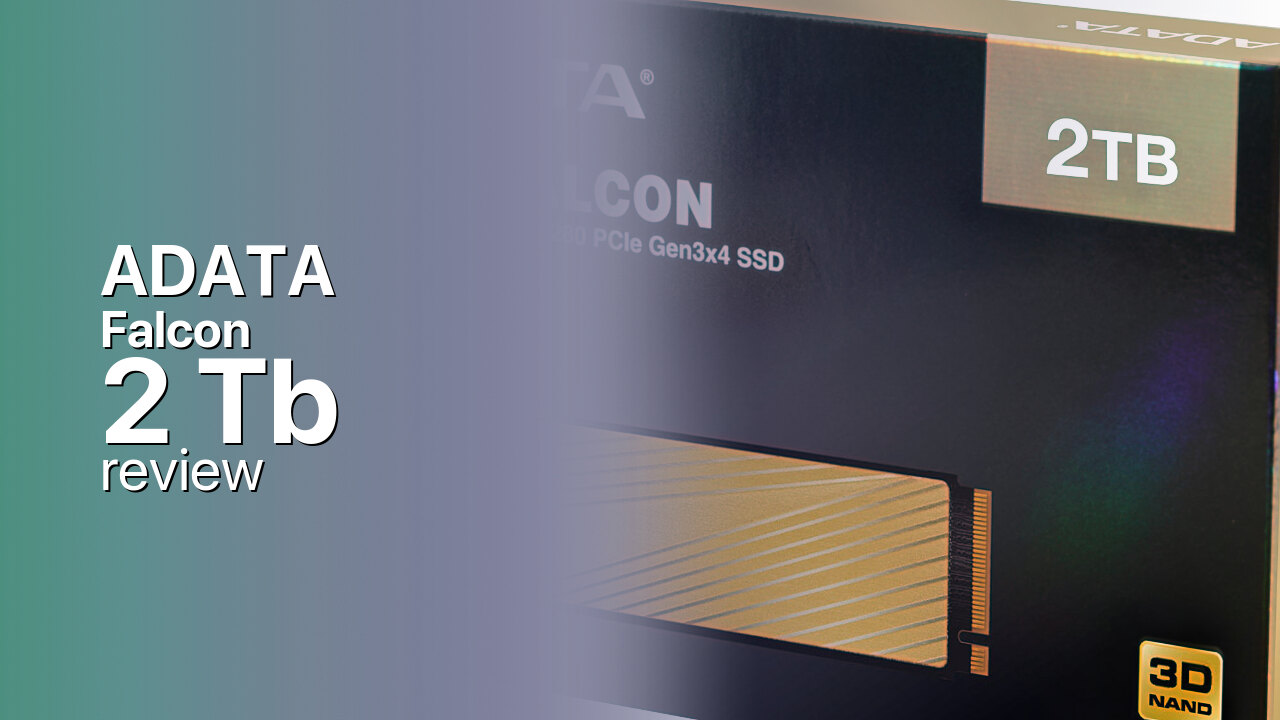
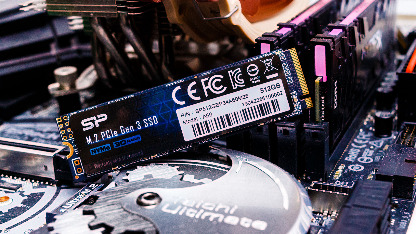
The ADATA Falcon 2TB shares the same hardware as the rest of the Falcon family — the Realtek RTS5762D controller paired with 3D TLC NAND, no dedicated DRAM cache, and a combination of SLC caching with the NVMe Host Memory Buffer protocol. The drive ships in a standard M.2 2280 form factor. At 2 TB, it is likely a double-sided PCB design, which means it may not fit in laptops with tight M.2 slot clearances. Desktop installations are unaffected.
ADATA rates the 2 TB model at 3,100 MB/s sequential reads and 1,500 MB/s sequential writes, with up to 180,000 IOPS for random 4K reads and writes. The read speed is close to the PCIe 3.0 x4 ceiling of approximately 3,500 MB/s. What is unusual about the Falcon series is that the 2 TB variant does not receive a write speed bump over smaller capacities — it maintains the same 3,100/1,500 MB/s ratings as the 256 GB and 512 GB models. Most NVMe drives benefit from faster writes at higher capacities due to having more NAND channels to write across. The Falcon series does not follow this pattern. The Falcon also ships in 256 GB, 512 GB, and 1 TB capacities.
The 2 TB capacity is where the Falcon makes the most practical sense. At this size, it can hold the operating system, a large application library, and 20 or more modern games — genuinely useful as a single-drive solution for budget-to-mid-range builds. The drive sits between ADATA's entry-level Swordfish and the performance-oriented XPG series. Direct competitors in the 2 TB tier include the Kingston A2000 2TB and the WD Blue SN550 2TB.
Under sustained write workloads, the Falcon shows the limitations of its DRAM-less HMB design. StorageReview's testing found the drive's sustained throughput resembling budget QLC designs despite using TLC NAND, with latency routinely exceeding one millisecond across synthetic workloads. For a 2 TB drive used primarily as a game library or bulk storage, this behaviour is rarely encountered. But anyone planning sustained large-file transfers should look at faster alternatives.
Storage Comparisons:
Falcon Performance & Benchmarks
The ADATA Falcon 2TB is rated for 3,100 MB/s sequential reads and 1,500 MB/s sequential writes, with up to 180,000 random read and write IOPS. The 3,100 MB/s read speed approaches the PCIe 3.0 x4 ceiling of roughly 3,500 MB/s, making the Falcon competitive on paper with mainstream drives. For users upgrading from SATA, the Falcon delivers nearly a sixfold improvement in sequential reads — boot times, application launches, and game load times will feel significantly faster.
ADATA Falcon 2 TB vs M.2 3.0 x 4 peers
Switch between sequential throughput and random IOPS to see how this drive stacks up against other M.2 3.0 x 4 SSDs in our database. The highlighted bar is the drive on this page — click any other bar to open that drive.
- ADATA SX 8800 Pro 512 GB: 3,500 MB/s read, 2,700 MB/s write
- ADATA SX 8800 Pro 1 TB: 3,500 MB/s read, 2,700 MB/s write
- ADATA XPG Spectrix S40G RGB 256 GB: 3,500 MB/s read, 3,000 MB/s write
- ADATA XPG Spectrix S40G RGB 512 GB: 3,500 MB/s read, 3,000 MB/s write
- ADATA Falcon 2 TB (this drive): 3,100 MB/s read, 1,500 MB/s write
The write speed of 1,500 MB/s is more modest, and the fact that the 2 TB variant does not receive a write speed bump over smaller capacities is unusual. Most NVMe drives benefit from faster writes at larger capacities. Mainstream PCIe 3.0 drives like the Samsung 970 EVO Plus and WD Black SN750 reach 2,500–3,000 MB/s writes on their 2 TB variants, putting the Falcon at a meaningful disadvantage for sustained write workloads. The DRAM-less HMB design also introduces a dependency on proper system-level support.
Under sustained write loads, the Falcon's limitations become clear. StorageReview's testing found that the drive's sustained throughput more closely resembled budget QLC designs than typical TLC hardware, despite the Falcon using 3D TLC NAND. Latency routinely exceeded one millisecond across synthetic workloads, placing the Falcon near the bottom of comparison charts. The 4K random write performance peaked at approximately 12,408 IOPS, and 64K sequential writes reached only about 220 MB/s. For a 2 TB drive used primarily as a game library or media archive, sustained write limitations are rarely encountered — games are read far more often than written. But anyone using the Falcon 2TB as a scratch disk for video editing or for regular large-file transfers will experience sharp slowdowns once the SLC cache fills.
ADATA Falcon vs Competitors
See how the Falcon stacks up against other M.2 3.0 x 4 drives in our database:
Compare with rival drives:
Endurance, TBW & Warranty
ADATA covers the Falcon 2TB with a five-year limited warranty, capped at 1,200 TBW (terabytes written). At a typical consumer write workload of 20 GB per day, 1,200 TBW translates to approximately 164 years of use — far beyond the warranty window. Even at a heavy 50 GB per day, the drive would last roughly 66 years. The 1,200 TBW rating is the highest in the Falcon lineup and is competitive with mainstream 2 TB NVMe drives — the Samsung 970 EVO Plus 2TB is rated at 1,200 TBW as well, making the Falcon's endurance on par with faster competitors. The MTBF rating is 1.8 million hours. ADATA provides the SSD Toolbox utility for monitoring drive health, checking remaining endurance, running diagnostics, and applying firmware updates. The five-year warranty covers manufacturing defects and does not extend to drives that exceed their TBW rating within the warranty period.
ADATA Falcon 2 TB Specifications
| Category | Value |
|---|---|
| Capacity [?] | 2 TB |
| Interface [?] | M.2 3.0 x 4 |
| Controller [?] | Realtek RTS5762D |
| Memory type [?] | 3D TLC |
| DRAM [?] | SLC Caching Host Memory Buffer |
| Read speed (MB/s) [?] | 3100 |
| Write speed (MB/s) [?] | 1500 |
| Read IOPS [?] | 180000 |
| Write IOPS [?] | 180000 |
| Endurance (TBW) [?] | 1200 |
| MTBF (million hours) [?] | 1.8 |
| Warranty (years) [?] | 5 |
Verdict: Is the Falcon Worth It in 2026?
The ADATA Falcon 2TB is the most compelling variant in the Falcon lineup simply because of its capacity. Two terabytes of NVMe storage with 3,100 MB/s reads is genuinely useful for game libraries, media archives, or as a single-drive solution for budget-to-mid-range builds. The 1,500 MB/s write speed is modest, and under sustained write loads, the DRAM-less HMB design shows its limits with QLC-like throughput. For buyers who prioritize read speed and capacity — gamers, office workers, or anyone upgrading from SATA — the Falcon 2TB delivers well. For sustained write workloads, the Samsung 970 EVO Plus 2TB or WD Black SN750 2TB are better choices. The Falcon makes sense when priced below these faster alternatives.
+ Pros
- 3,100 MB/s reads near PCIe 3.0 ceiling
- 2 TB capacity for large game libraries and media
- Five-year warranty from ADATA
- 1,200 TBW endurance matches mainstream 2TB competitors
- HMB design keeps power draw low for laptops
- Cons
- 1,500 MB/s writes well below mainstream PCIe 3.0 drives
- DRAM-less design with HMB dependency
- Sustained write throughput resembles budget QLC drives
- 2TB variant likely double-sided, may not fit thin laptops
- No write speed advantage over smaller Falcon capacities
Buy this or similar SSD Storage:
Video Review
ADATA FALCON NVMe 512GB Review | Thermal + Transfer Benchmark Test