Samsung 980 500GB PCIe 3.0 NVMe SSD (2026)
Quick answer
The Samsung 980 500GB is the best value in Samsung's DRAM-less NVMe lineup, offering PCIe 3.0 saturation on reads and 3,000 MB/s writes at a capacity that handles OS, applications, and a decent game library.
Read: 3500 MB/s Write: 3000 MB/s Endurance: 263 TBW Warranty: 5 years Interface: M.2 3.0 x 4
The Samsung 980 500GB is the capacity sweet spot in Samsung's DRAM-less NVMe lineup, offering 3,000 MB/s writes and 263 TBW endurance with Host Memory Buffer technology.
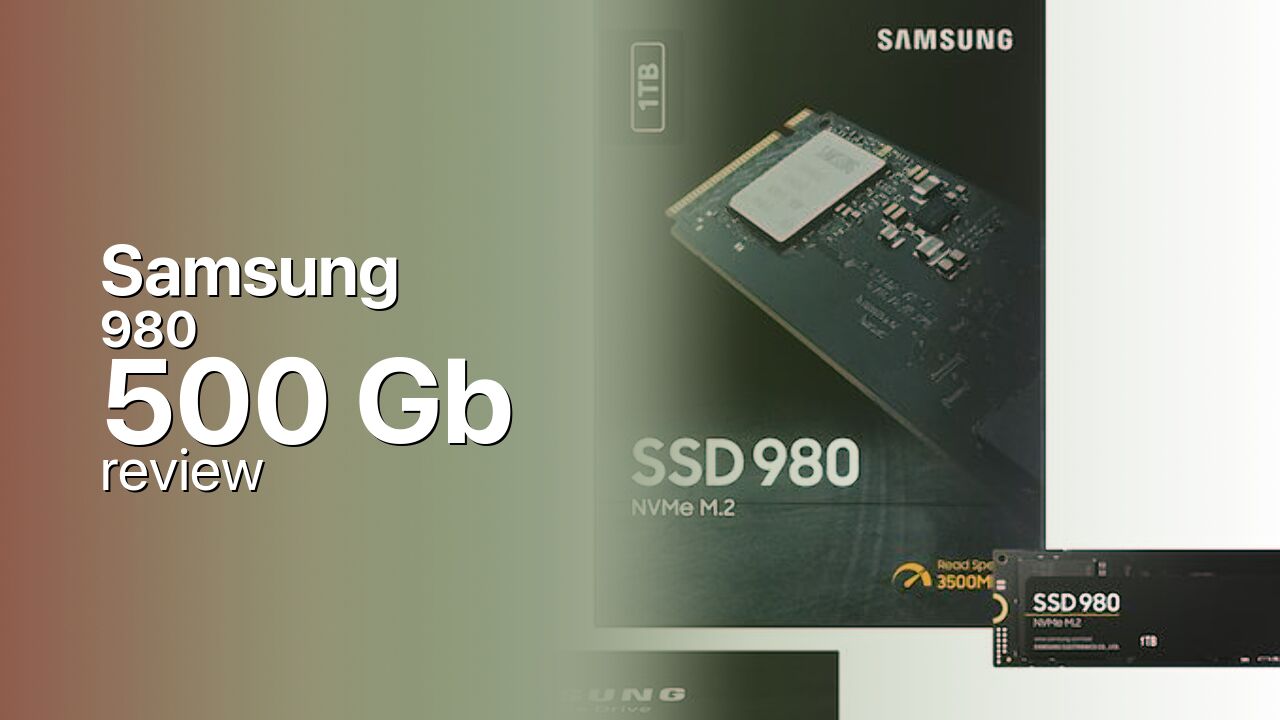
Controller & Memory
The 500 GB Samsung 980 uses the Pablo controller with Samsung V-NAND TLC flash and the Host Memory Buffer (HMB) architecture instead of dedicated DRAM. The HMB design borrows system RAM for the flash translation layer, reducing component cost while maintaining competitive performance on modern systems.
Samsung rates the 500 GB model at 3,500 MB/s sequential reads and 3,000 MB/s sequential writes, with 500,000 random read IOPS and 480,000 random write IOPS. Endurance is 263 TBW with a five-year warranty. The single-sided M.2 2280 form factor fits laptops and desktops.
The 500 GB capacity is large enough for the OS, applications, and a moderate game library, making it the practical choice for most budget builders. The main trade-off versus the 970 EVO Plus is the lack of DRAM, which can affect random IO consistency under heavy multi-tasking. Competitors include the WD Blue SN570 500GB and the Kingston NV2 500GB, both DRAM-less PCIe 3.0 drives.
Storage Comparisons:
980 Performance & Benchmarks
Samsung rates the 500 GB 980 at 3,500 MB/s sequential reads and 3,000 MB/s sequential writes, with 500,000 random read IOPS and 480,000 random write IOPS. The drive uses an SLC write cache for burst performance, with TLC-native writes settling at a lower speed once the cache fills.
Samsung 980 500 GB vs M.2 3.0 x 4 peers
Switch between sequential throughput and random IOPS to see how this drive stacks up against other M.2 3.0 x 4 SSDs in our database. The highlighted bar is the drive on this page — click any other bar to open that drive.
- Samsung 980 500 GB (this drive): 3,500 MB/s read, 3,000 MB/s write
- ADATA SX 8800 Pro 512 GB: 3,500 MB/s read, 2,700 MB/s write
- ADATA SX 8800 Pro 1 TB: 3,500 MB/s read, 2,700 MB/s write
- ADATA XPG Spectrix S40G RGB 256 GB: 3,500 MB/s read, 3,000 MB/s write
- ADATA XPG Spectrix S40G RGB 512 GB: 3,500 MB/s read, 3,000 MB/s write
In real-world testing, independent reviewers found the 980 500GB competitive with more expensive DRAM-equipped drives in sequential workloads. The HMB mechanism provides enough mapping cache for most consumer workloads, though sustained random writes under heavy multi-tasking can expose the DRAM-less limitation. For gaming, the 980 delivers load times indistinguishable from the 970 EVO Plus at the same capacity.
Samsung 980 vs Competitors
See how the 980 stacks up against other M.2 3.0 x 4 drives in our database:
Compare with rival drives:
Endurance, TBW & Warranty
The Samsung 980 500GB ships with a five-year limited warranty and a 263 TBW endurance rating. At 20 GB of writes per day, 263 TBW translates to approximately 36 years of use. Samsung's Magician software monitors drive health, TBW consumption, and provides firmware updates.
Samsung 980 500 GB Specifications
| Category | Value |
|---|---|
| Capacity [?] | 500 GB |
| Interface [?] | M.2 3.0 x 4 |
| Controller [?] | Samsung Pablo |
| Memory type [?] | Samsung TLC |
| DRAM [?] | HMB |
| Read speed (MB/s) [?] | 3500 |
| Write speed (MB/s) [?] | 3000 |
| Read IOPS [?] | 500000 |
| Write IOPS [?] | 480000 |
| Endurance (TBW) [?] | 263 |
| MTBF (million hours) [?] | 1.5 |
| Warranty (years) [?] | 5 |
Verdict: Is the 980 Worth It in 2026?
The Samsung 980 500GB is the best value in Samsung's DRAM-less NVMe lineup, offering PCIe 3.0 saturation on reads and 3,000 MB/s writes at a capacity that handles OS, applications, and a decent game library. The lack of DRAM is a fair trade-off for the price. Buyers who want DRAM-level consistency should step up to the Samsung 970 EVO Plus 500GB. For budget builds on modern platforms, the 980 500GB is a solid pick.
+ Pros
- 3,500/3,000 MB/s sequential read/write
- HMB design keeps cost down
- 263 TBW endurance with five-year warranty
- Single-sided M.2 2280 fits laptops
- 500 GB capacity suits boot + applications
- Cons
- No on-board DRAM; HMB requires compatible system
- Random IO dips under heavy multi-tasking
- PCIe 3.0 interface caps at 3,500 MB/s
- No hardware encryption support
Buy this or similar SSD Storage:



Video Review
Samsung 980 SSD NVME unboxing and benchmarks