Acer FA100 1TB Review — The Fastest FA100 Gets the Full Rating (2026)
Quick answer
Buy the Acer FA100 1TB when the budget is fixed and the job is foundational: a first NVMe boot drive, a cool-running laptop upgrade, or TLC-based secondary storage with a 5-year warranty behind it.
Read: 3300 MB/s Write: 2700 MB/s Endurance: 600 TBW Warranty: 5 years Interface: M.2 3.0 x 4
The Acer FA100 1TB is the fastest FA100 in the lineup — a DRAM-less Gen3 NVMe rated 3,300/2,700 MB/s with 600 TBW and a 5-year warranty behind it.
Controller & Memory
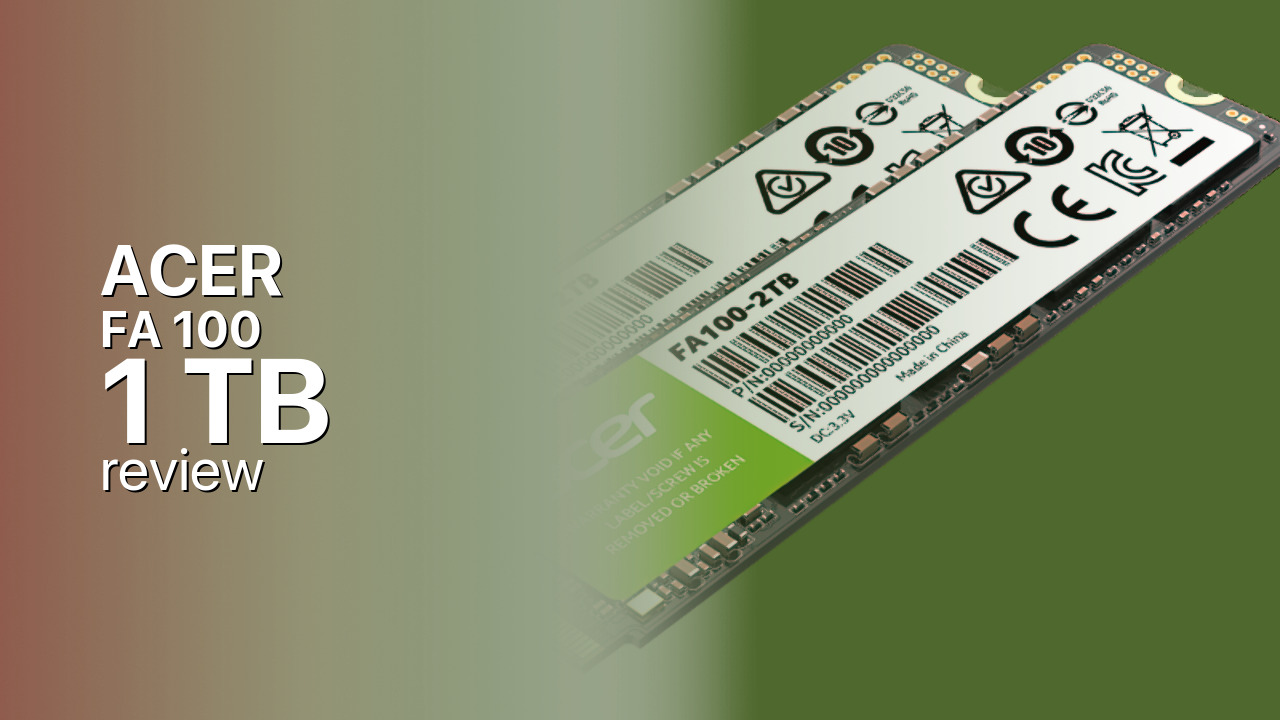
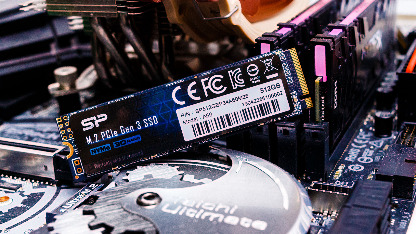
The Acer FA100 1TB is the capacity where this budget platform stops making compromises. Acer's storage line is built by Biwin, and the FA100 uses InnoGrit's Shasta+ IG5216, a four-channel PCIe 3.0 controller running DRAM-less with a 64 MB Host Memory Buffer — the drive borrows a slice of system RAM for its mapping tables rather than carrying its own. NAND is 3D TLC (Acer quotes 176-layer flash, though TechPowerUp notes the FA100 shipped in multiple hardware revisions), on a single-sided M.2 2280 board rated 3,300 MB/s reads and 2,700 MB/s writes over PCIe 3.0 x4 with NVMe 1.4.
The lineup runs from 128 GB to 2 TB, and the 1 TB sits at the top of the speed table: 3,300/2,700 MB/s with up to 325K random-read and 293K random-write IOPS, figures the smaller 128 GB and 256 GB models never approach. The 2 TB is, unusually, rated slightly slower at 3,150/2,600 MB/s but doubles the endurance budget to 1,200 TBW. There is no heatsink in the box and none is needed — a Gen3 DRAM-less drive barely warms up, and KitGuru measured under 4 W in active writes.
The FA100 1TB aims at three buyers: first-time NVMe upgraders leaving a SATA drive behind, laptop owners who need a single-sided board that runs cool, and anyone stocking a secondary game drive on a tight build. It counters QLC-based value drives like the Crucial P3 with genuine TLC NAND, and holds the same 5-year warranty territory as the WD Blue SN570 and Kingston NV1 rather than the 3-year coverage common in the value tier. KitGuru's review of this exact capacity scored it 8/10.
Storage Comparisons:
FA 100 Performance & Benchmarks
Acer rates the 1 TB FA100 at 3,300 MB/s sequential reads, 2,700 MB/s writes, and up to 325,000 random-read and 293,000 random-write IOPS — the full family rating lives on this capacity. Against a SATA SSD capped at 550 MB/s, the jump is roughly six-fold on reads, which is the difference that makes an older machine feel rebuilt: boot times, app launches and level loading all shorten dramatically.
ACER FA 100 1 TB vs M.2 3.0 x 4 peers
Switch between sequential throughput and random IOPS to see how this drive stacks up against other M.2 3.0 x 4 SSDs in our database. The highlighted bar is the drive on this page — click any other bar to open that drive.
- ADATA SX 8800 Pro 512 GB: 3,500 MB/s read, 2,700 MB/s write
- ADATA SX 8800 Pro 1 TB: 3,500 MB/s read, 2,700 MB/s write
- ADATA XPG Spectrix S40G RGB 256 GB: 3,500 MB/s read, 3,000 MB/s write
- ADATA XPG Spectrix S40G RGB 512 GB: 3,500 MB/s read, 3,000 MB/s write
- ACER FA 100 1 TB (this drive): 3,300 MB/s read, 2,700 MB/s write
The DRAM-less design shapes the fine print. The 64 MB Host Memory Buffer keeps the mapping table in system RAM, so everyday responsiveness stays close to DRAM-equipped drives, but burst writes lean on an SLC cache that eventually fills; long, sustained transfers then settle to native TLC speeds until the cache recovers. For a boot drive and game library that pattern is a non-event — installs are bursty and reads are unaffected. KitGuru's review of this capacity scored it 8/10, and the platform's low power draw (1.03 W idle, under 4 W writing) suits laptops that throttle on heat. Do not expect PCIe 4.0 transfer ceilings: at 3,300 MB/s the FA100 sits at the Gen3 limit by design, and file copies from a 7,000 MB/s-class drive will be bottlenecked by the slower link.
ACER FA 100 vs Competitors
See how the FA 100 stacks up against other M.2 3.0 x 4 drives in our database:
Compare with rival drives:
Endurance, TBW & Warranty
Acer backs the FA100 1TB with a 5-year limited warranty rated to 600 TBW, whichever arrives first — generous coverage for a value-tier drive, where 3-year warranties are common. Six hundred terabytes written equates to over 80 years of service at a modest 20 GB of writes per day, so for boot duty, gaming and general desktop work the NAND budget is effectively untouchable and the warranty term is the practical limit. The 2 TB model doubles the budget to 1,200 TBW on the same 5-year terms, while the smaller 256 GB and 512 GB capacities carry proportionally lower ratings. Acer quotes no MTBF figure for this line, and TechPowerUp's database confirms the 600 TBW rating for this capacity. Claims are handled through Acer's standard support channels with proof of purchase.
ACER FA 100 1 TB Specifications
| Category | Value |
|---|---|
| Capacity [?] | 1 TB |
| Interface [?] | M.2 3.0 x 4 |
| Controller [?] | InnoGrit IG5216 |
| Memory type [?] | 176-layer 3D TLC |
| DRAM [?] | No |
| Read speed (MB/s) [?] | 3300 |
| Write speed (MB/s) [?] | 2700 |
| Read IOPS [?] | 325000 |
| Write IOPS [?] | 293000 |
| Endurance (TBW) [?] | 600 |
| MTBF (million hours) [?] | n/a |
| Warranty (years) [?] | 5 |
Verdict: Is the FA 100 Worth It in 2026?
Buy the Acer FA100 1TB when the budget is fixed and the job is foundational: a first NVMe boot drive, a cool-running laptop upgrade, or TLC-based secondary storage with a 5-year warranty behind it. Skip it for a PS5 — the Gen3 interface and 3,300 MB/s rating fall short of Sony's 5,500 MB/s recommendation, and no heatsink is included. Speed hunters should also look up a tier: the WD Blue SN580 brings PCIe 4.0 to the same value bracket, while the Crucial P3 undercuts on price but trades down to QLC NAND. Within its Gen3 lane, the 1 TB FA100 is the right FA100 to buy — the fastest-rated capacity with the longest review track record.
+ Pros
- 3,300 MB/s reads and 2,700 MB/s writes
- 600 TBW endurance with 5-year warranty
- Single-sided M.2 2280 fits thin laptops
- Low power draw (1.03 W idle, under 4 W writing)
- TLC NAND where some rivals use QLC
- Cons
- No DRAM — relies on Host Memory Buffer
- No PS5 compatibility (Gen3, below 5,500 MB/s)
- 2TB variant is rated slower (3,150/2,600 MB/s)
- No hardware encryption support
- No included heatsink
Buy this or similar SSD Storage:
Video Review
Acer FA100 Review 🚫 | 10 Reasons NOT to Buy!