Biostar M700 256GB — Entry-Level PCIe 3.0 NVMe SSD (2026)
Quick answer
The Biostar M700 256GB is an entry-level PCIe 3.0 NVMe SSD for buyers on the tightest budgets.
Read: 1850 MB/s Write: 950 MB/s Endurance: 150 TBW Warranty: 3 years Interface: M.2 3.0 x 4
The Biostar M700 256GB is a no-frills PCIe 3.0 NVMe SSD that targets budget builders who need M.2 storage without the premium price tag.
Controller & Memory
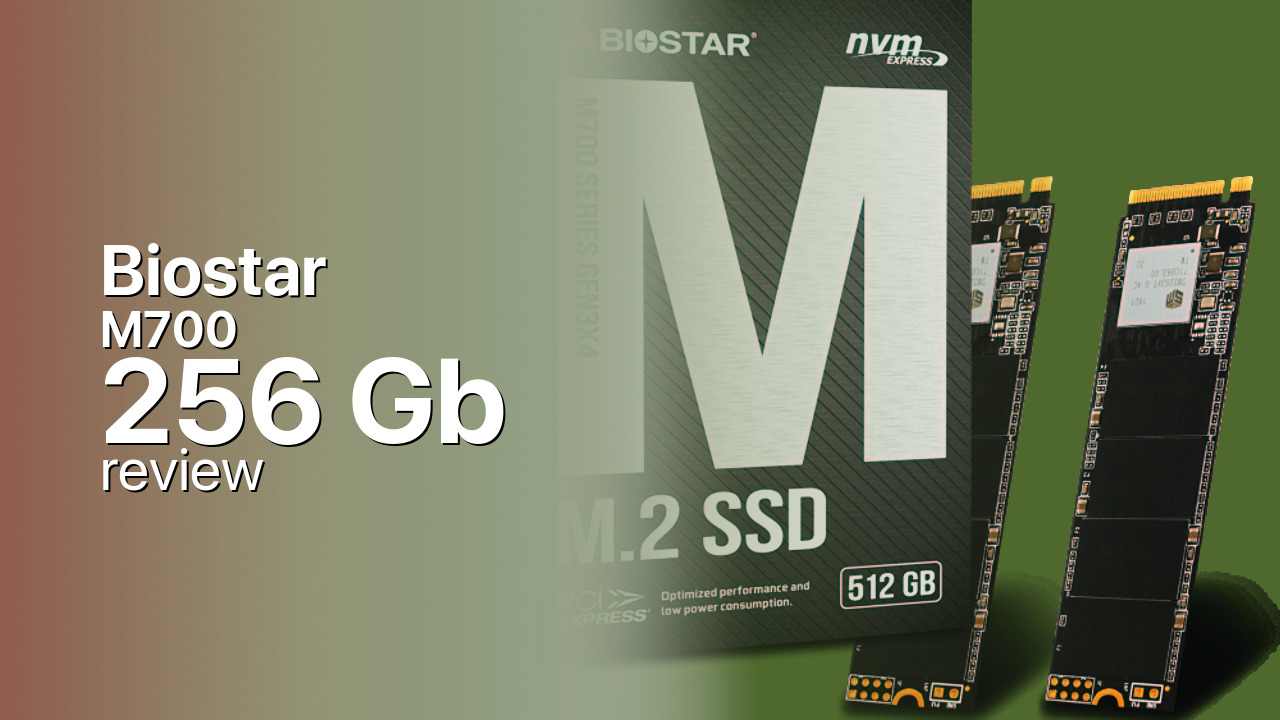
The Biostar M700 256GB uses a Silicon Motion SM2263XT controller paired with Intel 3D TLC NAND. The SM2263XT is a DRAM-less design that relies on HMB (Host Memory Buffer), borrowing a small amount of system RAM for its flash translation layer. This keeps costs down but means random I/O performance trails drives with dedicated DRAM caches.
Launched in November 2019, the M700 series was Biostar's entry into the mainstream M.2 NVMe market. The 256GB variant is rated at 1,850 MB/s sequential reads and 950 MB/s writes, while the larger 512GB model reaches 2,000 MB/s reads and 1,600 MB/s writes. The DB lists 2,000/1,600 MB/s for the 256GB model, which appears to reflect the 512GB variant's numbers — capacity-specific performance differs notably at this tier.
At just 3.5 mm thick in a standard M.2 2280 form factor, the M700 fits in virtually any motherboard slot, including thin mini-ITX builds and compact desktops that lack clearance for double-sided drives. It supports AES-256 encryption and end-to-end data protection, basics you'd expect from any NVMe drive.
In the budget segment, the M700 competes against the Kingston A2000, WD Blue SN550, and Crucial P1 — all of which offer comparable or better performance at similar price points. The M700's main advantage is simply availability in markets where Biostar has distribution.
Storage Comparisons:
M700 Performance & Benchmarks
The Biostar M700 256GB is rated at up to 1,850 MB/s sequential reads and 950 MB/s sequential writes — modest numbers even for a PCIe 3.0 drive. These speeds sit well below the PCIe 3.0 x4 interface ceiling of roughly 3,500 MB/s, placing the M700 firmly in the entry-tier bracket. Random read and write IOPS are not officially published for this capacity, which is common for budget drives that don't prioritize stochastic performance.
Biostar M700 256 GB vs M.2 3.0 x 4 peers
Switch between sequential throughput and random IOPS to see how this drive stacks up against other M.2 3.0 x 4 SSDs in our database. The highlighted bar is the drive on this page — click any other bar to open that drive.
- ADATA SX 8800 Pro 512 GB: 3,500 MB/s read, 2,700 MB/s write
- ADATA SX 8800 Pro 1 TB: 3,500 MB/s read, 2,700 MB/s write
- ADATA XPG Spectrix S40G RGB 256 GB: 3,500 MB/s read, 3,000 MB/s write
- ADATA XPG Spectrix S40G RGB 512 GB: 3,500 MB/s read, 3,000 MB/s write
- Biostar M700 256 GB (this drive): 1,850 MB/s read, 950 MB/s write
The DRAM-less HMB design is the primary bottleneck. Without a dedicated memory buffer for the flash translation layer, the M700 depends on system RAM and will show noticeable performance drops during sustained workloads that exhaust the SLC cache. For everyday tasks — booting the OS, launching applications, loading games — the drive is perfectly serviceable. But anyone moving large files or running sustained write workloads will see speeds fall well below the advertised burst figures.
Compared to the SATA III ceiling of roughly 550 MB/s, the M700's 1,850 MB/s reads are a meaningful improvement. Game load times on this drive will be noticeably faster than on SATA SSDs, though not dramatically so — the real-world gap between a 1,850 MB/s PCIe 3.0 drive and a 550 MB/s SATA drive is often just a second or two in most titles. Independent reviews of this specific model are scarce, reflecting its limited market presence.
Biostar M700 vs Competitors
See how the M700 stacks up against other M.2 3.0 x 4 drives in our database:
Compare with rival drives:
Endurance, TBW & Warranty
The Biostar M700 carries a 3-year warranty, which is standard for budget-tier SSDs but shorter than the 5-year coverage offered by mainstream competitors. The endurance rating (TBW) for the 256GB variant has not been published by Biostar, which is itself a red flag — most manufacturers disclose TBW figures even on entry-level drives. Without an official TBW number, it's difficult to quantify the drive's write endurance over its lifespan. At typical consumer write loads of 20-30 GB per day, a 256GB TLC drive of this class would reasonably be expected to last several years, but that's an estimate, not a guarantee. The lack of published endurance data means buyers should treat this drive as a light-use boot drive rather than a heavy-write workstation disk.
Biostar M700 256 GB Specifications
| Category | Value |
|---|---|
| Capacity [?] | 256 GB |
| Interface [?] | M.2 3.0 x 4 |
| Controller [?] | Silicon Motion SM2263XT |
| Memory type [?] | Intel 3D TLC |
| DRAM [?] | 32MB - 64MB Host Memory Buffer |
| Read speed (MB/s) [?] | 1850 |
| Write speed (MB/s) [?] | 950 |
| Read IOPS [?] | 240000 |
| Write IOPS [?] | 260000 |
| Endurance (TBW) [?] | 150 |
| MTBF (million hours) [?] | 1500000 |
| Warranty (years) [?] | 3 |
Verdict: Is the M700 Worth It in 2026?
The Biostar M700 256GB is an entry-level PCIe 3.0 NVMe SSD for buyers on the tightest budgets. It'll boot Windows and load games without complaint, but the DRAM-less design, modest speeds, and 3-year warranty place it below drives like the Kingston A2000 and WD Blue SN550. If the M700 is the cheapest option available in your market, it does the job. If you have alternatives at a similar price, you'll likely find better performance and longer warranties elsewhere.
+ Pros
- Standard M.2 2280 form factor fits most motherboards
- AES-256 encryption support
- Slim 3.5 mm profile suits compact builds
- PCIe 3.0 x4 faster than SATA III drives
- Intel 3D TLC NAND (not QLC)
- Cons
- DRAM-less HMB design limits sustained performance
- No published TBW endurance rating
- 3-year warranty shorter than competitors' 5 years
- Limited independent reviews available
- Slower than similarly priced Kingston A2000 and WD Blue SN550
Buy this or similar SSD Storage:



Video Review
Thinkpad E590 i3 with biostar m700 m.2 nvme ssd + gaming test