Digma Pro Top P6 2TB Review: Flagship PCIe 5.0 NVMe (2026)
Quick answer
Buy the Digma Pro Top P6 2TB if you are building a current PCIe 5.0 system, already plan to bolt on a Gen5 heatsink, and want the full first-generation bandwidth for video work or DirectStorage gaming.
Read: 12000 MB/s Write: 11000 MB/s Endurance: 1400 TBW Warranty: 5 years Interface: M.2 5.0
The Digma Pro Top P6 2TB is a Phison E26 flagship that chases the PCIe 5.0 ceiling at 12,000 MB/s, but its bare M.2 board demands serious cooling to get there.
Controller & Memory
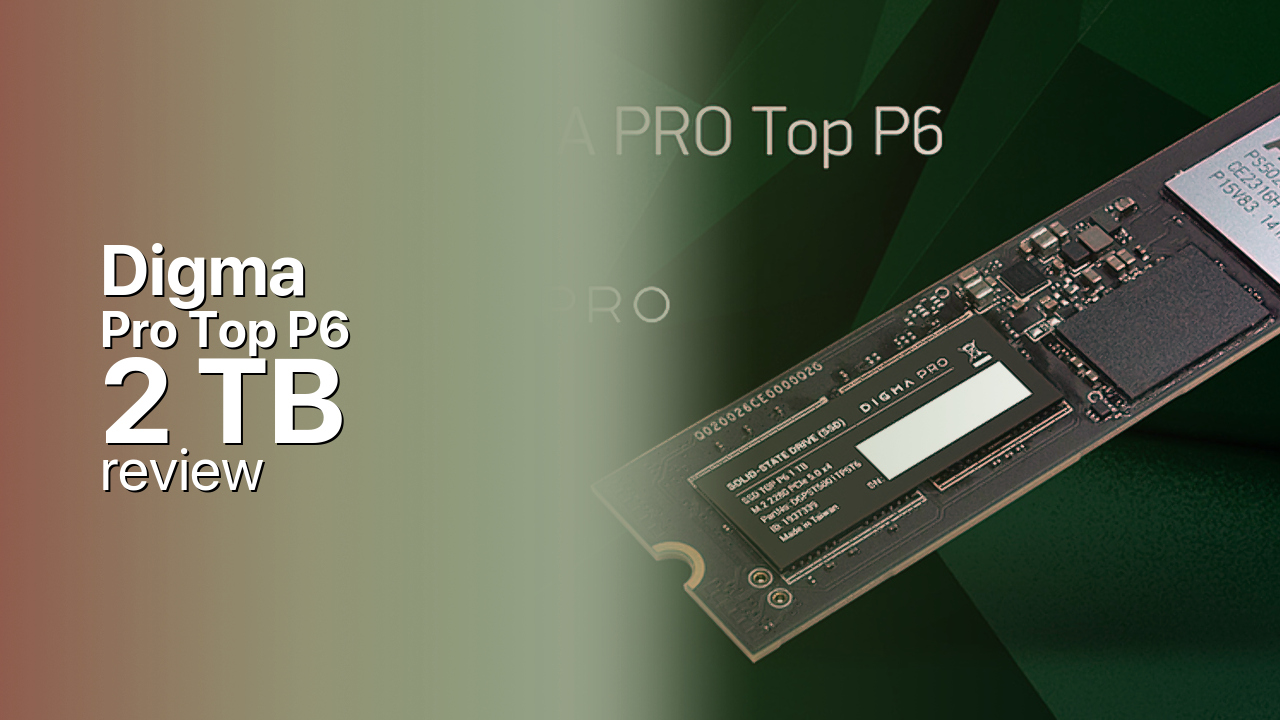
The Digma Pro Top P6 2TB is the flagship of Digma's first PCIe 5.0 family, and like almost every drive in this generation it is built on the Phison PS5026-E26 controller paired with Micron's 232-layer 3D TLC NAND and a 4 GB DDR4 DRAM cache. That combination is the reference design behind most early Gen5 SSDs, so the Top P6 lines up spec-for-spec with the Crucial T700 and Corsair MP700 rather than reinventing anything. It targets enthusiasts and content creators building on a current AMD or Intel board with a spare PCIe 5.0 M.2 slot, where the extra bandwidth actually has somewhere to go.
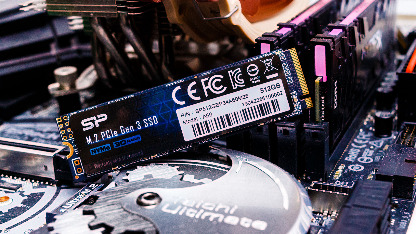
This is the 2 TB capacity, the sweet spot of the range; Digma also sells the Top P6 in 1 TB for smaller builds. The drive is a single M.2 2280 board and, importantly, ships without a heatsink, even though an E26 at full tilt runs hot enough to throttle within seconds of bare operation. You will need either a motherboard Gen5 M.2 heatsink or a dedicated cooler with airflow, which is a planning step buyers coming from a Gen4 drive often underestimate. Two NAND speed grades are in circulation, a faster 2000 MT/s build and a slower 1600 MT/s one, so the exact unit matters for sustained throughput.
Against its rivals the Top P6 has no exotic tricks, it simply executes the E26 platform: the Crucial T700 and Corsair MP700 deliver the same headline numbers, while Samsung's 9100 Pro pushes even higher sequential reads on its own controller and runs cooler. The Top P6's case rests on price and availability in its home market rather than on a feature the others lack, so the decision usually comes down to which E26 drive you can get with adequate cooling.
Storage Comparisons:
Pro Top P6 Performance & Benchmarks
On paper the 2 TB Top P6 is rated for up to 12,000 MB/s sequential reads and 11,000 MB/s sequential writes, with random performance quoted at up to 1.4 million read IOPS and 1.5 million write IOPS. Those are first-wave PCIe 5.0 figures: a clear jump over the roughly 7,000 MB/s ceiling of a good Gen4 drive, and several times the throughput of any SATA SSD. In day-to-day desktop use you will rarely feel the gap over a fast Gen4 drive, because game loads, app launches and OS responsiveness are bound by random access and queue depths that both generations already saturate. Where the Top P6 earns its keep is bulk sequential work: moving 100 GB project files, scratch disks for 4K and 8K video, large game-library transfers, and DirectStorage titles that stream assets straight to the GPU.
Digma Pro Top P6 2 TB vs M.2 5.0 peers
Switch between sequential throughput and random IOPS to see how this drive stacks up against other M.2 5.0 SSDs in our database. The highlighted bar is the drive on this page — click any other bar to open that drive.
- Corsair MP700 Pro XT 1 TB: 14,900 MB/s read, 14,200 MB/s write
- Corsair MP700 Pro XT 2 TB: 14,900 MB/s read, 14,500 MB/s write
- Corsair MP700 Pro XT 4 TB: 14,900 MB/s read, 14,400 MB/s write
- Crucial T710 1 TB: 14,900 MB/s read, 13,800 MB/s write
- Digma Pro Top P6 2 TB (this drive): 12,000 MB/s read, 11,000 MB/s write
The catch with every E26 drive, this one included, is sustained writes. The headline 11,000 MB/s is an SLC-cache burst figure; once that cache fills during a long multi-hundred-gigabyte write, speeds drop to the native TLC rate, and on a hot, bare board they can drop further as the controller throttles. For a boot drive or a gaming library that almost never matters. For someone routinely writing huge datasets in one pass, cooling and cache behaviour matter more than the number on the box, which is the strongest argument for pairing this drive with a proper Gen5 heatsink.
Digma Pro Top P6 vs Competitors
See how the Pro Top P6 stacks up against other M.2 5.0 drives in our database:
Compare with rival drives:
Endurance, TBW & Warranty
Digma rates the 2 TB Top P6 at 1400 TBW, meaning you can write 1,400 terabytes to the drive before the endurance warranty lapses. That is in line with other 2 TB E26 drives and generous in practical terms: even a heavy 50 GB per day of writes would take well over 70 years to reach, so a typical desktop user will replace the drive for capacity long before endurance becomes a concern. The warranty runs five years and is limited by whichever comes first, the five years or the 1400 TBW. Digma also quotes a 2 million hour MTBF, which is a population-level reliability statistic rather than a promise about any single drive, useful for comparison but not a literal lifespan. The 1 TB Top P6 carries a proportionally lower TBW rating, so do not read this 2 TB figure across the smaller capacity.
Digma Pro Top P6 2 TB Specifications
| Category | Value |
|---|---|
| Capacity [?] | 2 TB |
| Interface [?] | M.2 5.0 |
| Controller [?] | Phison PS5026-E26 8 Channel |
| Memory type [?] | Micron 3D TLC |
| DRAM [?] | Yes |
| Read speed (MB/s) [?] | 12000 |
| Write speed (MB/s) [?] | 11000 |
| Read IOPS [?] | 1400000 |
| Write IOPS [?] | 1500000 |
| Endurance (TBW) [?] | 1400 |
| MTBF (million hours) [?] | 2000000 |
| Warranty (years) [?] | 5 |
Verdict: Is the Pro Top P6 Worth It in 2026?
Buy the Digma Pro Top P6 2TB if you are building a current PCIe 5.0 system, already plan to bolt on a Gen5 heatsink, and want the full first-generation bandwidth for video work or DirectStorage gaming. Skip it if you are on a Gen4 board or buying a boot drive, where a cooler, cheaper PCIe 4.0 NVMe such as the WD Black SN850X delivers the same felt performance for less money and less heat. If you want this class of drive but value a quieter, cooler package, the Crucial T700 or a Samsung 9100 Pro are the more polished alternatives, with the Top P6 making its case mainly on local price and availability. As a pure E26 flagship it does exactly what the platform allows, no more and no less, and its one real demand is that you take cooling as seriously as Digma takes its speed numbers.
+ Pros
- 12,000 MB/s sequential reads on PCIe 5.0
- Up to 1.5 million write IOPS
- 1400 TBW endurance on the 2 TB model
- Phison E26 with Micron 232-layer TLC and DRAM
- 5-year limited warranty
- Reference Gen5 platform, widely supported
- Cons
- No heatsink included, runs hot
- Needs active Gen5 cooling for rated speeds
- Sustained writes drop after SLC cache fills
- Limited availability outside its home market
- Two NAND speed grades muddy the spec
Buy this or similar SSD Storage:
Video Review
Почему SSD дорожают??? Что можно купить сегодня выгодно?