Gigabyte Aorus Gen5 14000 1TB PCIe 5.0 NVMe SSD Review (2026)
Quick answer
The 1 TB Aorus Gen5 14000 makes sense for an enthusiast building a fresh PCIe 5.0 platform who wants peak synthetic sequential bandwidth and is willing to pay the Gen5 premium for it.
Read: 13600 MB/s Write: 10200 MB/s Endurance: 700 TBW Warranty: 5 years Interface: M.2 5.0
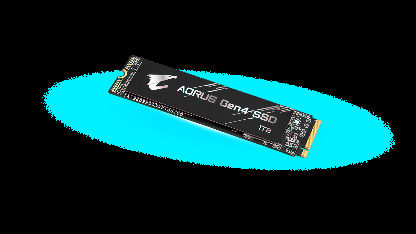
The Gigabyte Aorus Gen5 14000 1 TB is the entry capacity of Gigabyte's flagship PCIe 5.0 lineup, pairing a Phison E26 controller with Micron 232-layer TLC for headline sequential throughput.
Controller & Memory
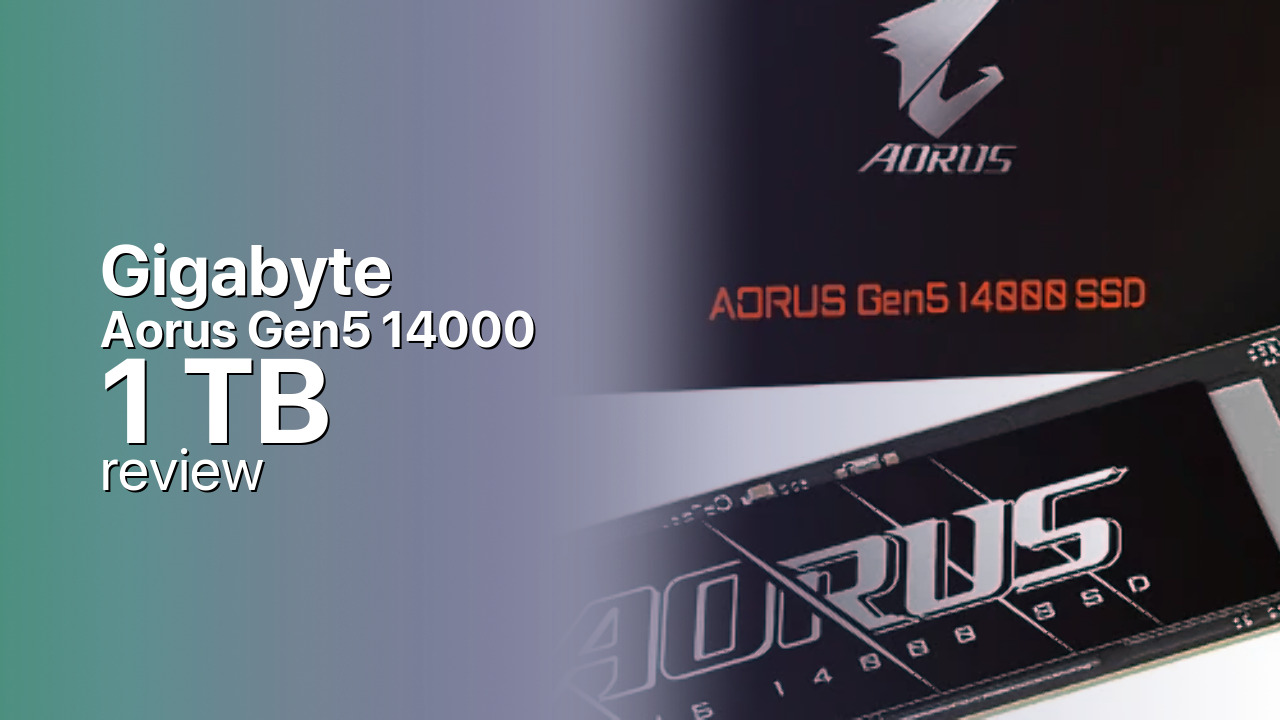
Inside the 1 TB Aorus Gen5 14000 sits the Phison PS5026-E26 controller, an eight-channel PCIe 5.0 design built on TSMC's 12 nm process and paired with Micron's 232-layer 3D TLC NAND. A 2 GB LPDDR4 DRAM buffer handles the mapping table, and the drive speaks NVMe 2.0 over a PCIe 5.0 x4 link. The PCB is double-sided and the drive ships bare, so you must pair it with a motherboard heatsink, an active cooler, or a dedicated M.2 fan, as Gigabyte explicitly states in its spec sheet.
This is the smallest of three capacities, and the spec sheet reflects that. Where the 2 TB and 4 TB models are rated for 14,500 and 14,100 MB/s sequential reads, the 1 TB variant tops out at 13,600 MB/s reads and 10,200 MB/s writes, a notable step down on the write side that matters for anyone moving large files. Endurance scales the same way, with the 1 TB carrying a 700 TBW rating against 1,400 TBW on the 2 TB and 3,000 TBW on the 4 TB. If your workload is write-heavy, the larger capacities are the better long-term buy.
The direct rivals at this tier are other first-wave PCIe 5.0 drives on the same E26 platform: the Crucial T705 and T700, the Corsair MP700 Pro, and the Inland TD510. Against Gen4 flagships like the Samsung 990 Pro or WD Black SN850X, the Aorus Gen5 14000 roughly doubles sequential bandwidth on paper, though for pure gaming the real-world gap is much narrower. Compatibility is limited to platforms with a physical PCIe 5.0 M.2 slot, which today means Intel 600-series and AMD 800-series chipsets, plus a handful of late 700-series boards.
Storage Comparisons:
Aorus Gen5 14000 Performance & Benchmarks
Gigabyte rates the 1 TB Aorus Gen5 14000 for up to 13,600 MB/s sequential reads and 10,200 MB/s sequential writes, which puts it near the PCIe 5.0 x4 interface ceiling on reads and measurably below the larger capacities on writes. Random performance is rated up to 1.5 million read IOPS and roughly 1.5 million write IOPS, in line with other E26 drives, though Gigabyte does not publish an official IOPS figure on its spec page. Those random numbers are best-case QD32 figures, not what a single-queue desktop workload will see.
Gigabyte Aorus Gen5 14000 1 TB vs M.2 5.0 peers
Switch between sequential throughput and random IOPS to see how this drive stacks up against other M.2 5.0 SSDs in our database. The highlighted bar is the drive on this page — click any other bar to open that drive.
- Corsair MP700 Pro XT 1 TB: 14,900 MB/s read, 14,200 MB/s write
- Corsair MP700 Pro XT 2 TB: 14,900 MB/s read, 14,500 MB/s write
- Corsair MP700 Pro XT 4 TB: 14,900 MB/s read, 14,400 MB/s write
- Crucial T710 1 TB: 14,900 MB/s read, 13,800 MB/s write
- Gigabyte Aorus Gen5 14000 1 TB (this drive): 13,600 MB/s read, 10,200 MB/s write
In practice, the headline sequential gain over PCIe 4.0 shows up most clearly in large-file transfers and synthetic benchmarks. For OS boot, application launches, and game load times, the delta against a fast Gen4 drive like the Samsung 990 Pro is usually small, often within margin of error, because most game engines are not yet bandwidth-bound on storage. Where PCIe 5.0 starts to matter is DirectStorage-enabled titles, large video scratch disks, and workstation workflows that move tens of gigabytes per pass. Like all E26 drives, the Aorus uses an SLC cache that holds burst speeds for a finite window and then drops to native TLC write rates once the cache fills, so sustained writes on the 1 TB model will settle well below the 10,200 MB/s peak.
Gigabyte Aorus Gen5 14000 vs Competitors
See how the Aorus Gen5 14000 stacks up against other M.2 5.0 drives in our database:
Compare with rival drives:
Endurance, TBW & Warranty
Gigabyte covers the Aorus Gen5 14000 1 TB with a limited 5-year warranty, terminating at 700 TBW, whichever comes first. The TBW rating is evaluated under JEDEC workload standards, and the drive's SMARTPercentage Used attribute (SMART ID 05) is what Gigabyte's SSD Toolbox watches to determine warranty status; hitting 100 percent means out of warranty. At a typical mixed consumer workload of roughly 20 to 50 GB of writes per day, 700 TBW translates into decades of theoretical headroom, so for a boot drive or game library the warranty term rather than the endurance ceiling is what will expire first. The rated MTBF is 1.6 million hours, a population statistic rather than a per-drive guarantee. The warranty is handled direct through Gigabyte, not the retailer, and the drive must be used with a motherboard heatsink to stay within spec.
Gigabyte Aorus Gen5 14000 1 TB Specifications
| Category | Value |
|---|---|
| Capacity [?] | 1 TB |
| Interface [?] | M.2 5.0 |
| Controller [?] | Phison PS5026-E26 8 Channel |
| Memory type [?] | Micron 232-L TLC |
| DRAM [?] | Yes |
| Read speed (MB/s) [?] | 13600 |
| Write speed (MB/s) [?] | 10200 |
| Read IOPS [?] | 1500000 |
| Write IOPS [?] | 1500000 |
| Endurance (TBW) [?] | 700 |
| MTBF (million hours) [?] | 2000000 |
| Warranty (years) [?] | 5 |
Verdict: Is the Aorus Gen5 14000 Worth It in 2026?
The 1 TB Aorus Gen5 14000 makes sense for an enthusiast building a fresh PCIe 5.0 platform who wants peak synthetic sequential bandwidth and is willing to pay the Gen5 premium for it. Skip it if your motherboard only has PCIe 4.0 M.2 slots, or if your workload is mostly gaming and day-to-day use, where a Samsung 990 Pro or WD Black SN850X delivers nearly identical real-world feel for less. The write-speed penalty on this 1 TB capacity is also real, so anyone doing sustained large-file work should step up to the 2 TB model, which carries the full 14,500 MB/s read and 12,700 MB/s write rating plus double the endurance. Overall, this is a competent first-wave Gen5 drive that earns its place only on a true PCIe 5.0 build.
+ Pros
- 13,600 MB/s sequential reads on PCIe 5.0
- Phison E26 with Micron 232-layer TLC
- 2 GB LPDDR4 DRAM cache
- 5-year warranty with 700 TBW
- 1.6 million hour MTBF rating
- NVMe 2.0 over PCIe 5.0 x4
- Cons
- Write speed drops to 10,200 MB/s on 1 TB
- Lower 700 TBW than larger capacities
- Requires a motherboard heatsink, not included
- Needs a PCIe 5.0 platform to be useful
- Gen5 price premium over comparable Gen4
Buy this or similar SSD Storage:
Video Review
Gigabyte Aorus Gen5 14000 SSD 2TB M.2 NVMe PCIe 5.0 x4 specifications (1TB, 2TB, 4TB)